
TrueInsight
Siemens/Altair Channel Partner
Menu



SimSolid Software for Fast CAD-Based Structural Simulation
Analyze designs faster and iterate more without complex meshing workflows.
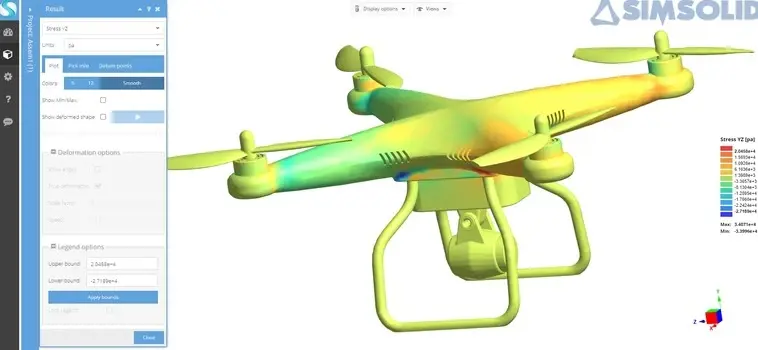
Meshless Simulation
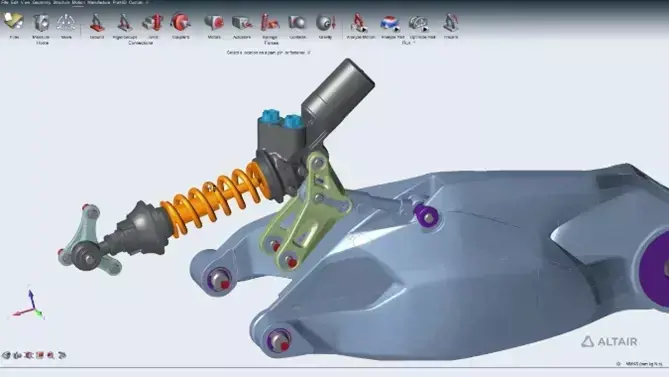
What is Altair SimSolid?
Run structural analysis directly on CAD geometry, no meshing, no simplification.
Altair SimSolid is a meshless structural analysis tool that enables engineers to simulate directly on original CAD assemblies, including large and complex models. By eliminating meshing and geometry simplification, teams can focus on loads, connections, materials, and design decisions instead of time-consuming preprocessing. SimSolid is ideal for fast design iteration, helping engineers obtain accurate results quickly and accelerate product development.
Key Features of Altair SimSolid
Fast, meshless structural simulation directly on full CAD assemblies.
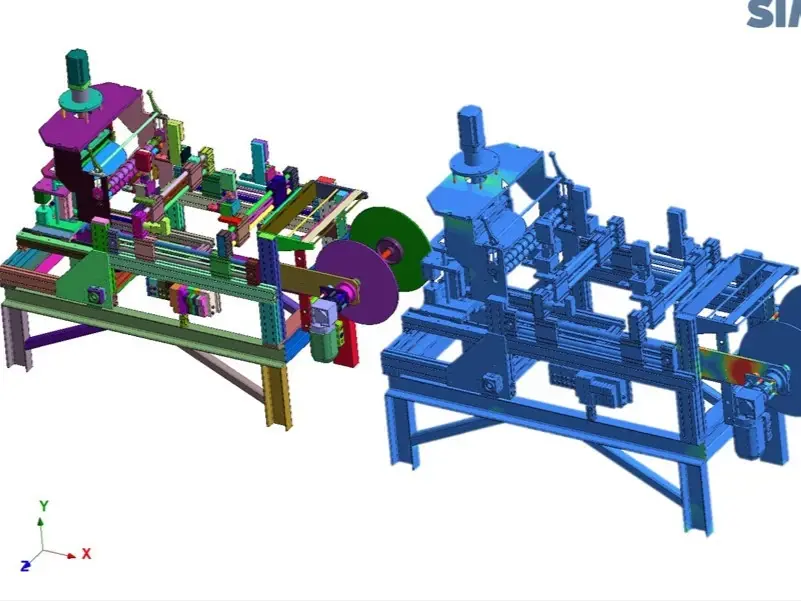
Built for Large Assemblies and Real CAD Conditions
SimSolid is designed to handle complex parts and large assemblies, including imperfect CAD with gaps, overlaps, and rough contact surfaces. This allows engineers to work with real-world geometry without time-consuming cleanup or simplification.
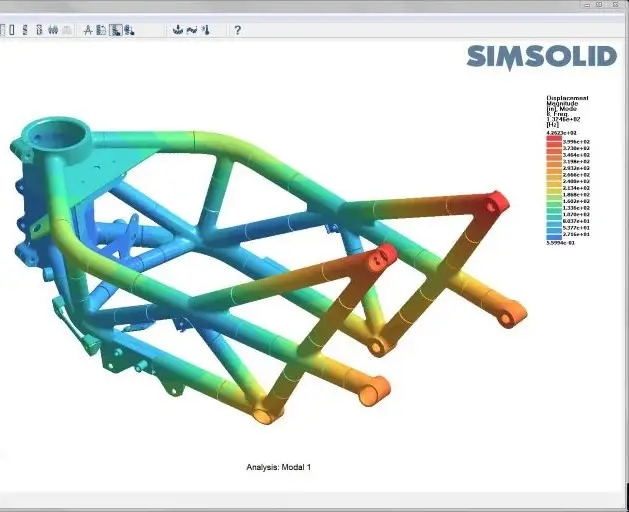
Meshless Analysis, No Meshing, No Simplification
Altair SimSolid eliminates the need for geometry simplification and meshing. The original CAD model becomes the simulation model, enabling faster workflows and removing one of the biggest bottlenecks in traditional FEA processes.
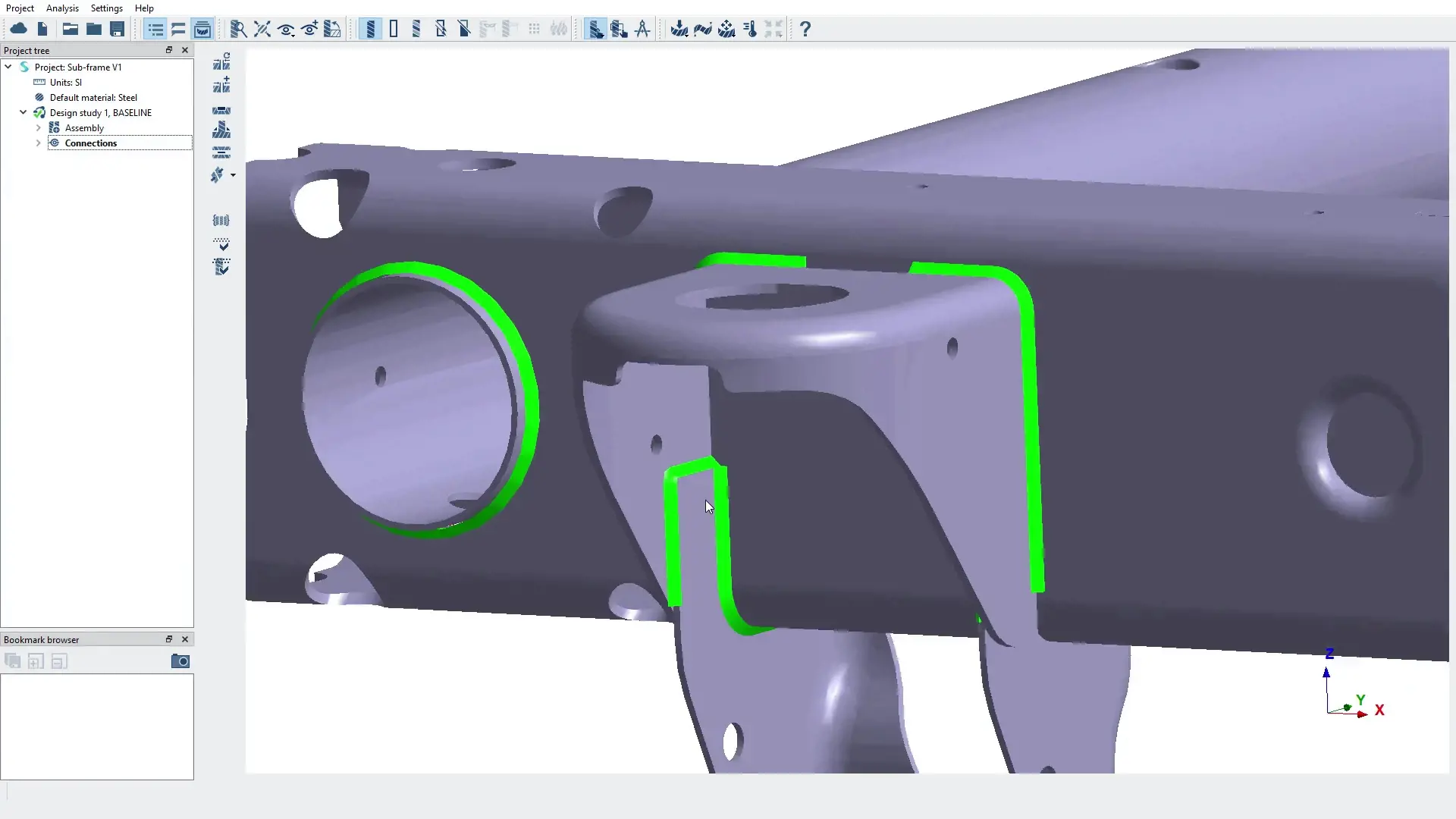
High-Fidelity Results and Instant Design Comparisons
SimSolid delivers accurate structural analysis results in seconds to minutes on standard hardware. Engineers can quickly evaluate multiple design scenarios, compare results, and make faster, data-driven decisions.
SimSolid Capabilities
Meshless structural analysis on full CAD assemblies for faster engineering decisions.
Fast Structural Analysis on CAD Assemblies
Altair SimSolid enables structural analysis directly on CAD assemblies without meshing. Engineers can evaluate stress, displacement, and structural behavior quickly, accelerating design iteration and reducing preprocessing time in simulation workflows.
Large Assembly Performance with Real CAD Conditions
SimSolid handles large and complex assemblies, including imperfect CAD with gaps, overlaps, and rough contact surfaces. This allows engineers to simulate real-world geometry without cleanup, maintaining accuracy while improving workflow efficiency.
Broad Analysis Types for Engineering Validation
SimSolid supports multiple analysis types, including stiffness, strength, vibration, and thermal effects. This allows engineering teams to validate performance early in the design process and compare multiple design scenarios efficiently.
Connections, Contact, and Material Behavior
SimSolid provides robust tools for modeling connections, contact interactions, and material properties. Engineers can accurately represent load paths across assemblies, ensuring realistic simulation of structural behavior.
Realistic Loads and Boundary Conditions
Apply loads and boundary conditions that reflect real operating scenarios. SimSolid enables consistent and repeatable simulation setups, making it easier to compare design alternatives and evaluate performance under different conditions.
Results Visualization and Decision Support
SimSolid delivers clear result visualization and fast comparison tools, helping teams interpret structural performance and communicate insights effectively. This supports faster, data-driven engineering decisions and shorter design cycles.
SimSolid Services

Expert Altair SimSolid Support and Engineering Services
Accelerate CAD-based simulation with meshless workflows and expert guidance.
TrueInsight provides Altair SimSolid licensing and hands-on engineering support to help teams run structural simulations directly on CAD assemblies. From onboarding and best-practice workflows to study setup and result validation, our experts help reduce trial and error, improve accuracy, and enable faster design iteration without the complexity of traditional FEA processes.
Learn More About Altair SimSolid
Insights, tutorials, and real-world applications of meshless CAD-based simulation.
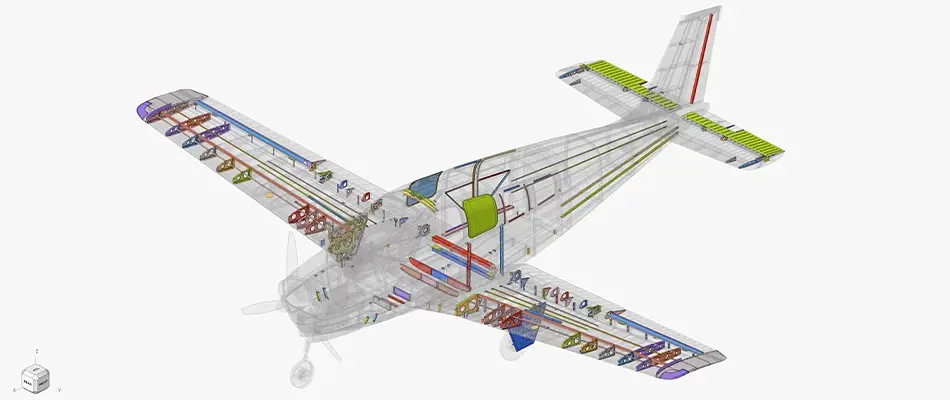
How Simulation Is Aiding Aerospace Design
Discover how Altair SimSolid and simulation tools help aerospace engineers reduce risk, accelerate certification, and optimize designs for weight, reliability, and performance in complex engineering environments.
Explore capability →
Introducing Altair SimSolid Cloud: Simulate Anywhere
Explore SimSolid Cloud and how it enables engineers to run structural simulations from anywhere. Access powerful meshless simulation capabilities without local hardware constraints and streamline collaboration across teams.
Explore capability →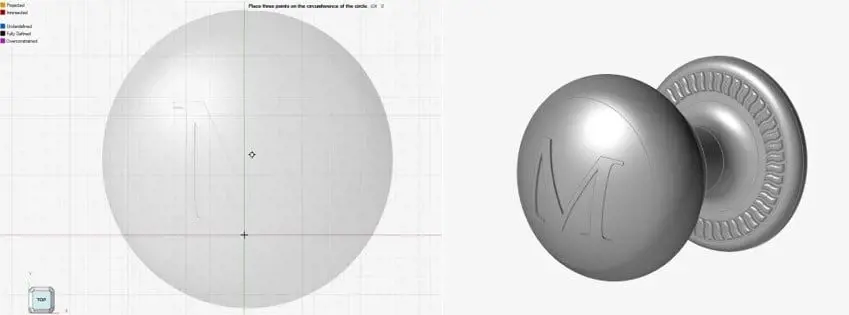
Simulating Home Alone Traps with SimSolid
A creative example of structural simulation using Altair SimSolid to analyze dynamic scenarios inspired by real-world physics. This case highlights how engineers can explore load paths, impacts, and structural behavior in unconventional setups.
Explore capability →Frequently Asked Questions
SimSolid analyzes CAD assemblies without the traditional meshing workflow, reducing model preparation steps.
Yes—includes bonded/sliding/separating contact (with friction) and an extensive connections library (bolts, welds, rivets, adhesives, etc.).
Altair lists a broad set, including linear/nonlinear static, thermal and coupled thermal-stress, modal, fatigue, and dynamics (time/frequency/random response).
Altair lists isotropic, orthotropic, elasto-plastic, rigid materials, plus gas and liquid bodies.
Yes—SimSolid is designed for large assemblies and can handle rough contact surfaces with gaps and overlapping geometry.
Ready to Take the Next Step with SimSolid?
Run your first SimSolid study with confidence, supported by people who do this work daily.