
TrueInsight
Siemens/Altair Channel Partner
Menu



SimLab Software | CAD-Integrated Multiphysics Simulation
Altair SimLab is a process-driven multiphysics simulation environment built to accelerate analysis for structural, thermal, electromagnetics, and fluid workflows, especially on complex assemblies. With direct CAD connectivity and reusable automation templates.

What is Altair Simlab™?
Altair SimLab™ is a multiphysics platform that allows users to build their analysis models for various types of simulation. With the analysis community moving towards CAD integrated analysis solutions, Altair SimLab™ introduces a convenient way to move from CAD to a multiphysics simulation platform.
SimLab™ has a powerful automated mesher and bi-directional connectivity with SOLIDWORKS and other CAD tools to enable users to conveniently test the performance of their products with the solvers in the Altair suite.
Why Choose SimLab?
A Practical Choice for Faster Simulation Adoption
Altair SimLab is a strong choice for teams that want a more practical path from design work to simulation results. Instead of relying on fragmented processes, it helps create a workflow engineers can use with more confidence, consistency, and less setup friction across real projects.
Better Fit for Repeatable Engineering Work
SimLab stands out when the goal is not just to run analysis, but to build a simulation process that can be repeated across products, teams, and design cycles. It helps organizations move toward a cleaner, more dependable way of working so simulation becomes easier to scale and easier to trust internally.
More Value with TrueInsight Support
Choosing SimLab through TrueInsight means more than access to the software. It means working with an official Altair channel partner that helps you evaluate fit, support onboarding, and guide implementation with real engineering context, so your team can reach value faster and make better use of the platform.
Key Features of Altair SimLab
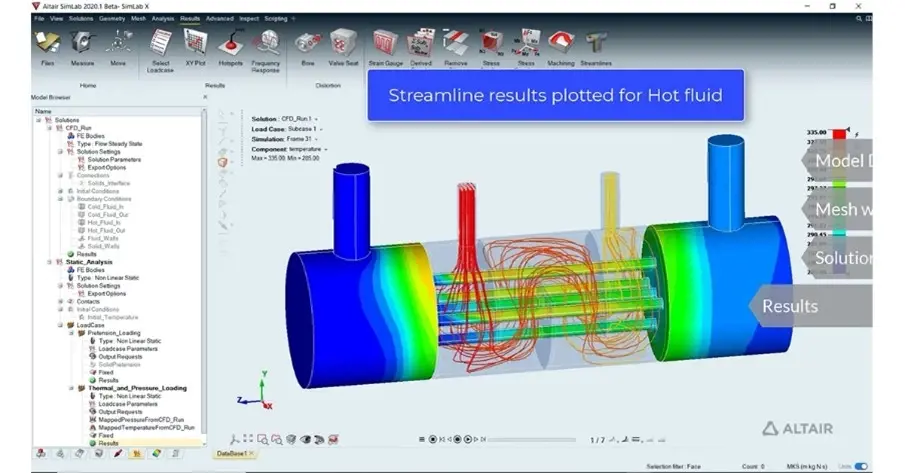
Process-Driven Workflows for Faster Simulation
Altair SimLab is built around process-driven simulation workflows that guide users through model build, setup, run, and review -so results are consistent and repeatable across teams. This workflow-first approach helps reduce manual steps and standardize best practices, especially when multiple engineers need to deliver comparable outcomes using SimLab software on real product programs.
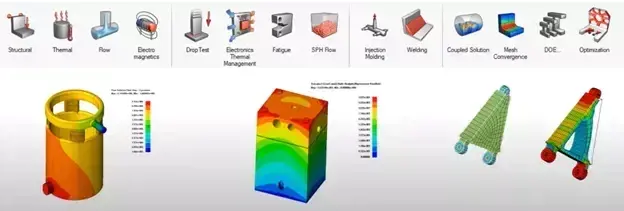
Automated Design Optimization
SimLab supports structured design exploration through DOE-style studies and automated variation workflows, helping teams compare design options faster and with less setup repetition. Instead of running isolated cases, engineers can use Altair SimLab to evaluate sensitivities, track performance tradeoffs, and iterate with more confidence, useful when time-to-decision matters.
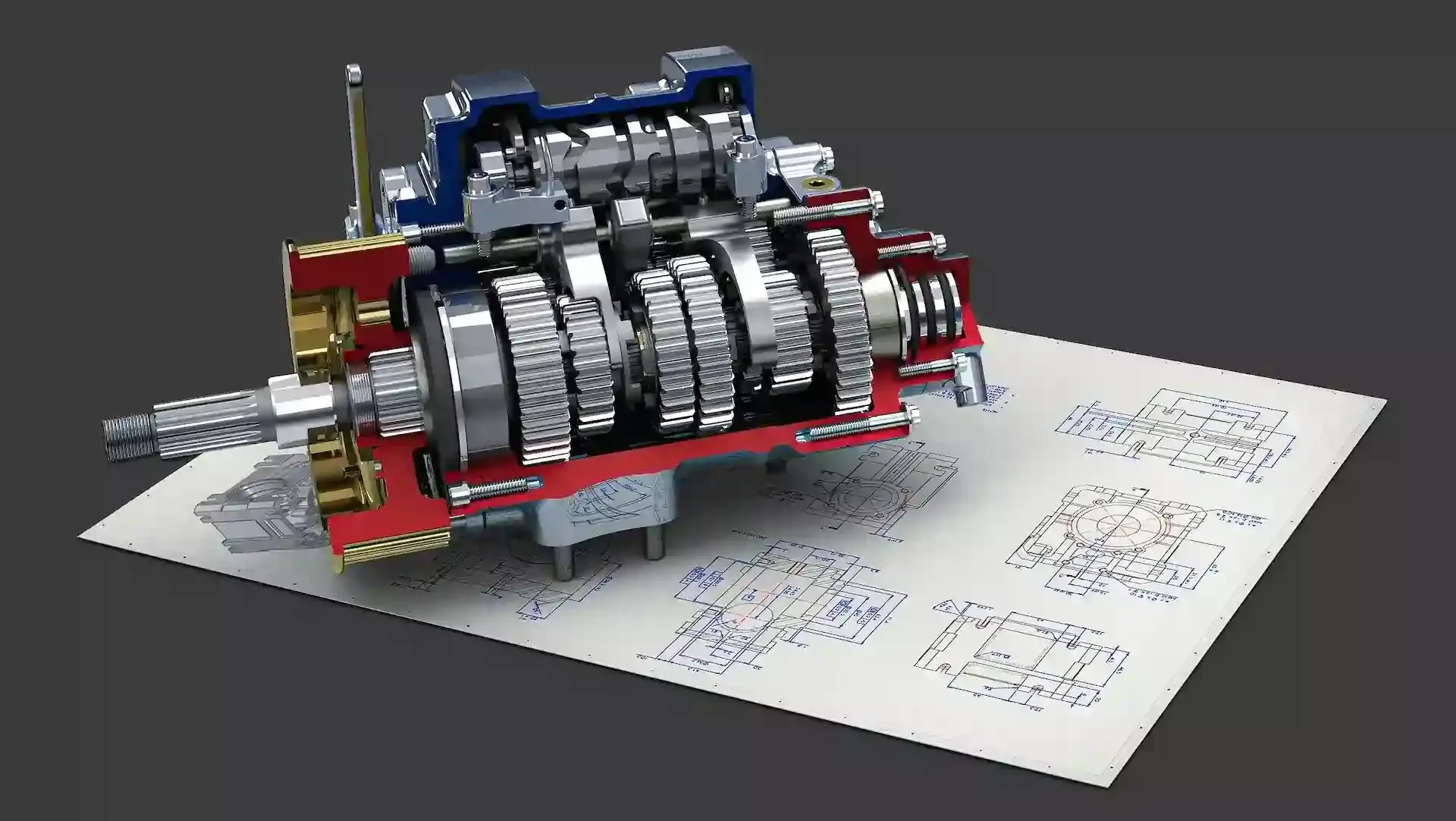
Digital Twin Capabilities
Altair SimLab supports digital twin-oriented workflows that help teams move from one-off analysis to repeatable, lifecycle-ready simulation processes. By reusing templates and consistent workflows, organizations can improve traceability and reuse. Making evaluations more scalable for product teams that need simulation to remain aligned with evolving designs.
SimLab Capabilities
CAD Associativity and Direct Geometry Updates
SimLab keeps simulation models connected to CAD so geometry changes don’t force a complete rebuild. This is especially valuable for iterative design cycles: update parts, features, or assembly variants and keep the simulation workflow moving with fewer broken connections and less rework.
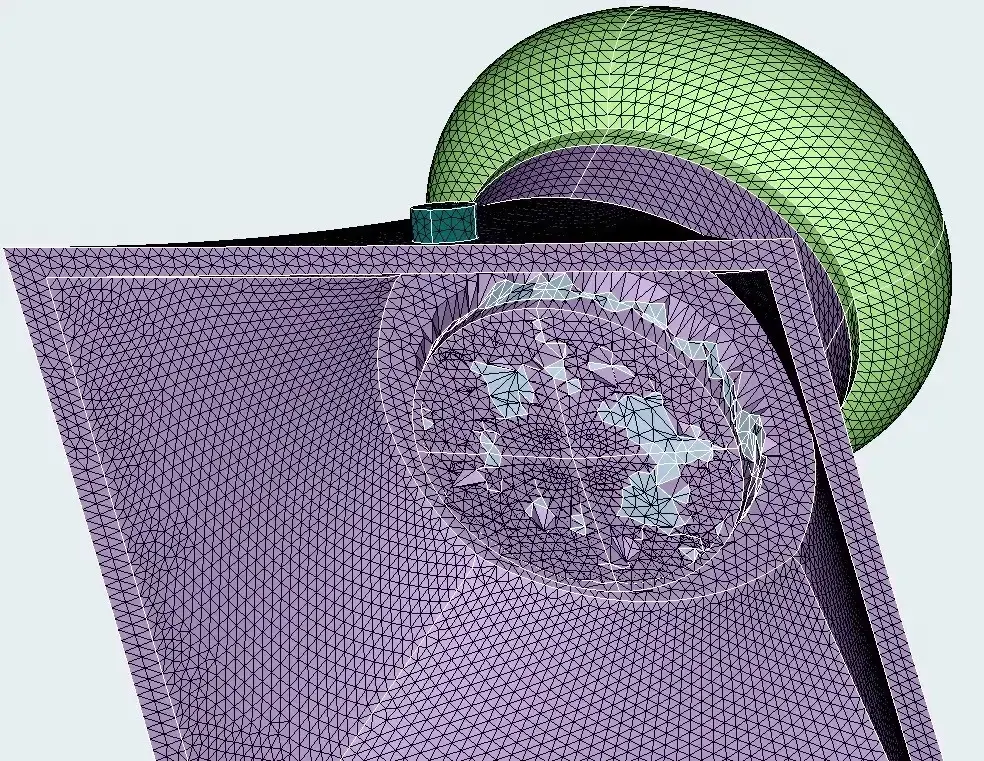
Automated Model Build and Reusable Templates
It emphasizes automation through reusable templates that capture your organization’s preferred setup methods. Teams can package meshing rules, boundary condition patterns, and reporting steps into repeatable workflows, reducing dependence on “tribal knowledge” and making simulation output more consistent across projects.
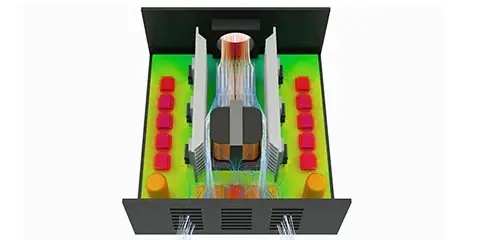
Multiphysics Simulation in One Environment
Altair SimLab supports multiphysics workflows, commonly involving structural, thermal, flow, and electromagnetics. So engineers can evaluate coupled performance without switching tools for each discipline. This is useful when product performance depends on interactions between physics and the team needs a single, repeatable workflow to validate designs.
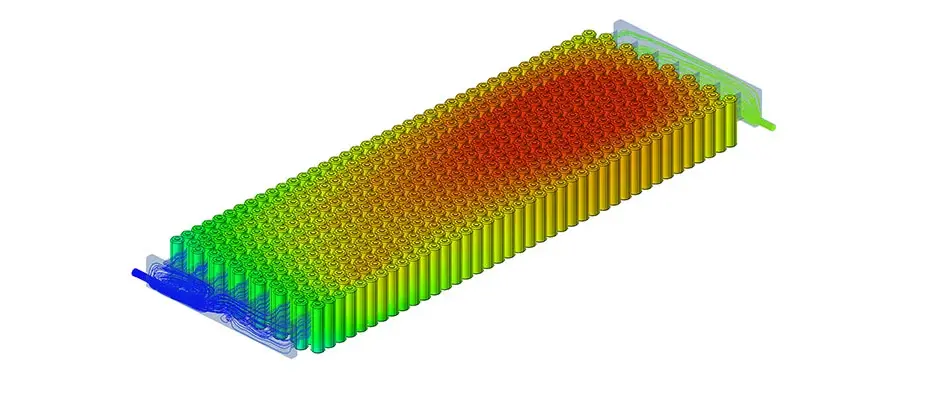
Thermal and Flow Workflows for Cooling and Heat Transfer
SimLab includes dedicated workflows for thermal and flow-style analysis, helping engineers set up convection/conduction problems and cooling evaluations faster. For teams working on electronics, enclosures, or systems where thermal behavior drives reliability, SimLab software helps reduce the time spent preparing models and iterating design options.
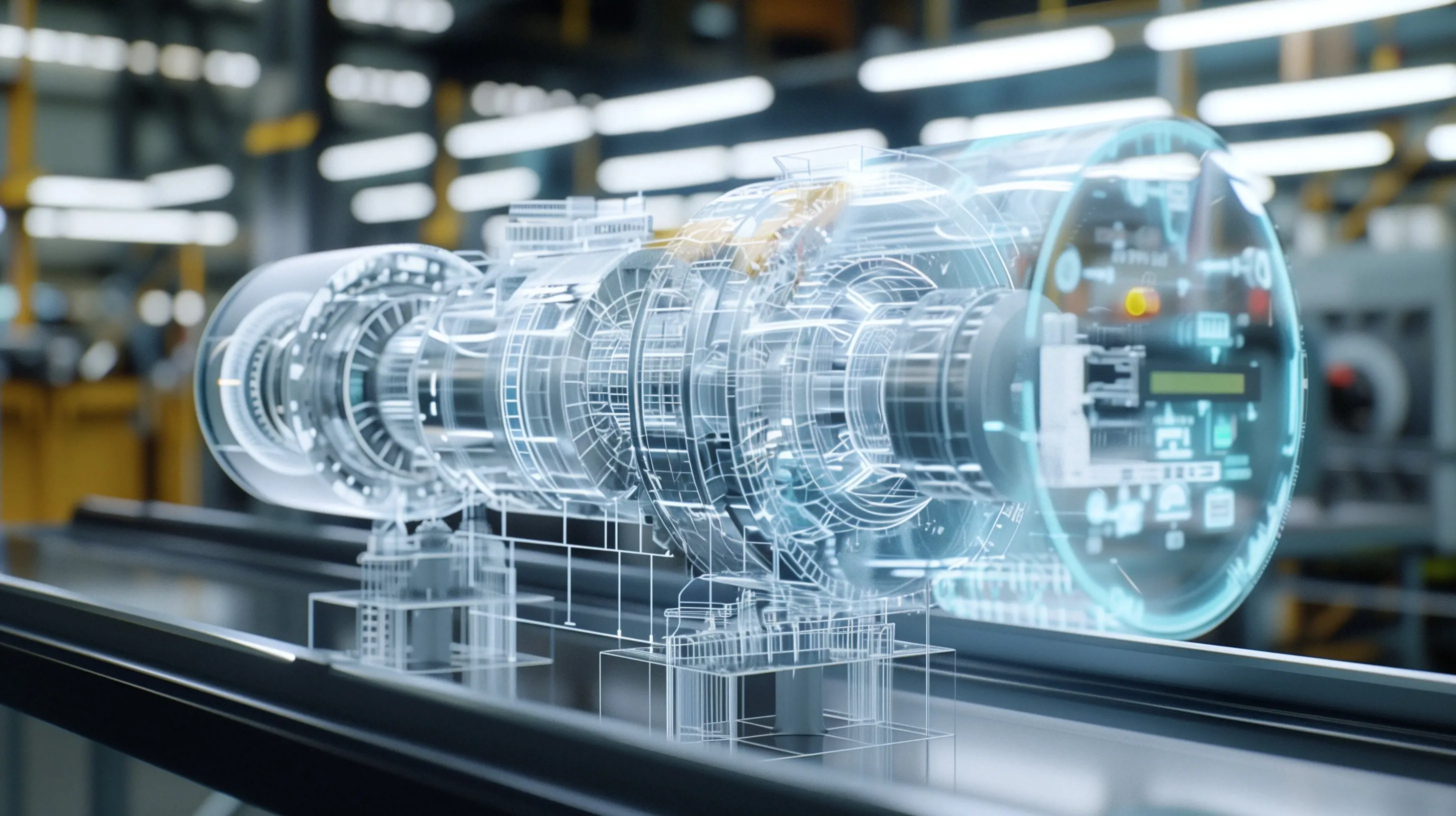
Workflow Scalability for Teams and Large Assemblies
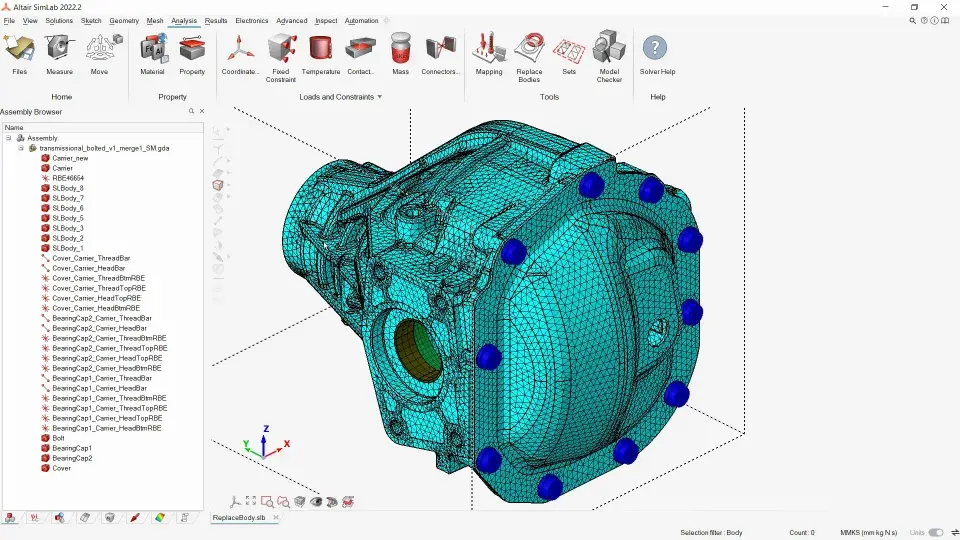
SimLab is positioned to help organizations scale simulation across teams by reducing repetitive work and standardizing processes. The process-driven approach is particularly useful on complex assemblies where model preparation time and coordination overhead can grow quickly as designs mature.
Solver Compatibility and Flexible Execution
Altair SimLab is designed as a workflow environment that supports working across solver stacks, giving teams flexibility to run analyses without rebuilding the entire workflow each time. This helps when programs require compatibility across different analysis methods or solver preferences while keeping a consistent SimLab-driven process for preparation and review.
Expert SimLab Support and Services from TrueInsight

Faster Implementation, Cleaner Workflows, Real Engineering Help
TrueInsight is an official Altair channel partner and helps teams get value from SimLab faster. Covering license guidance, onboarding, workflow standardization, and practical troubleshooting so your team can spend more time on engineering decisions and less time wrestling with setup.
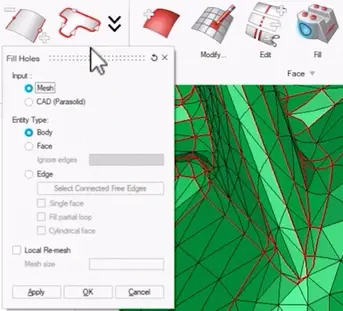
Time Saving TIps With Altair SimLab
From geometry simplification to pre-built solution templates, you'll learn how to leverage SimLab's capabilities to boost your productivity and get more done in less time.
Read Article →
Utilize Groups in Altair SimLab
Automation workflows with macros, scripts, and various types of automation can be set up to run studies more efficiently in Altair SimLab.
Read Article →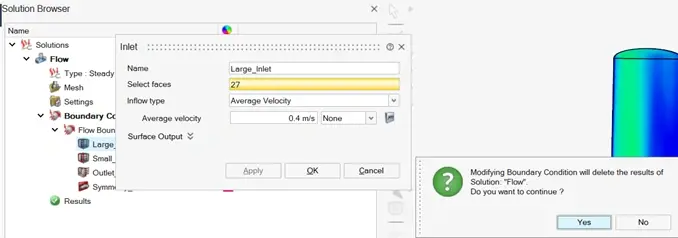
Accessing the Different CFD Post-Processors in Altair SimLab
Specific post-processing options for fluid flow studies, i.e. CFD-based solutions and how to access them
Read Article →
Frequently Asked Questions
Multiphysics simulation workflows, from CAD to analysis. Covering structural, thermal, electromagnetics, and fluid problems, especially for complex assemblies.
Yes, SimLab emphasizes CAD associativity and connectivity to keep simulation aligned with geometry changes and variants.
Yes, feature recognition, guided workflows, and reusable automation templates are central to the product’s positioning.
Yes, Altair highlights electronics cooling and thermal management use cases (air/liquid cooling, Joule heating, convection/conduction, and system-level approaches).
Altair positions SimLab as solver-compatible, using a single interface to prepare/analyze workflows across different solvers.
Ready to Take the Next Step with SimLab?
Request a SimLab demo or trial to validate your CAD-to-results workflow, automation needs, and multiphysics requirements with guidance from an engineering-focused partner.