
TrueInsight
Siemens/Altair Channel Partner
Menu




Siemens Simcenter Engineering Simulation Software
Predict product performance, reduce physical testing, and accelerate development using advanced simulation across CFD, FEA, and system modeling.
Simulation Overview
What is Engineering Simulation?
Understand how simulation predicts real-world product performance before manufacturing.
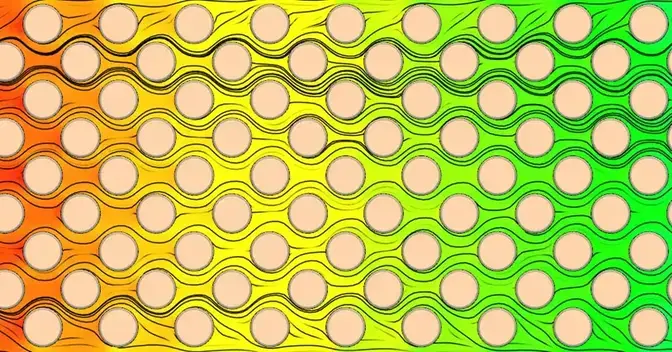
Engineering simulation uses physics-based mathematical models to predict how products will behave under real operating conditions. Instead of relying on costly physical prototypes, engineers can validate performance digitally , identifying issues such as overheating, vibration, airflow, and structural failures early in the development process. Siemens Simcenter brings together CFD, structural analysis (FEA), and system simulation in a unified environment, enabling faster, more accurate engineering decisions.
Engineering Benefits
Evaluate performance, validate designs, and reduce physical testing across the product development lifecycle.
Integrated Multiphysics Simulation
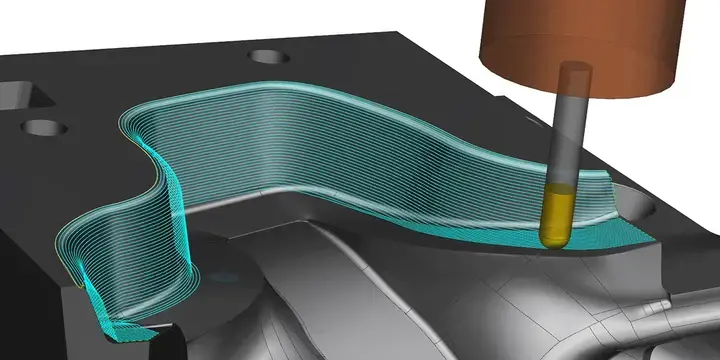
Analyze structural, thermal, fluid, and motion behavior within a single simulation environment. Instead of switching between tools, engineers can evaluate how physical effects interact, such as heat impacting deformation or airflow influencing vibration, improving accuracy and confidence in results.
Predictive Product Validation
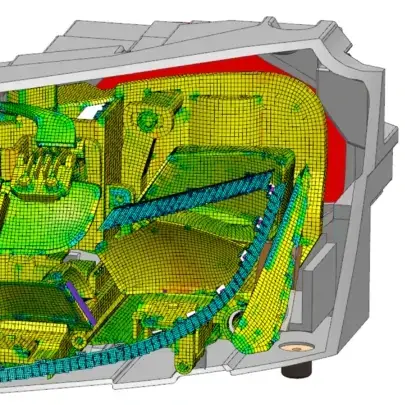
Test product performance digitally before manufacturing and detect failures early in development. Identify overheating, stress concentrations, vibration, or instability during the design phase to reduce costly prototypes, shorten development cycles, and improve product reliability.
Connected Engineering Workflow
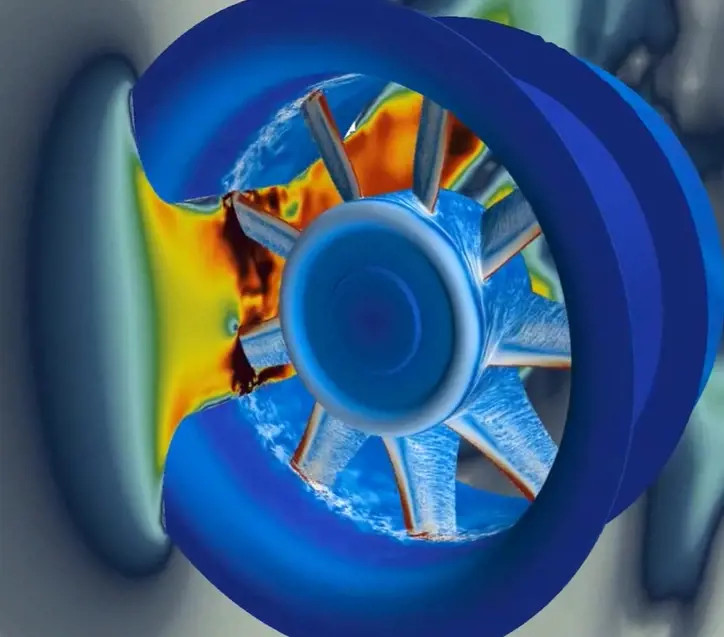
Integrate simulation with CAD, PLM, and testing environments to enable a continuous engineering workflow. Re-evaluate designs instantly, compare simulation with real-world test data, and collaborate across teams using a shared engineering model.
Key Capabilities of Siemens Simcenter
Advanced simulation tools to analyze real-world product behavior across fluid, structural, thermal, and system-level performance.
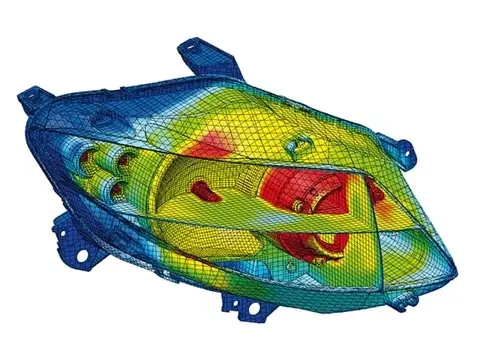
Computational Fluid Dynamics (CFD)
Analyze airflow, heat transfer, and pressure distribution in complex systems. Evaluate aerodynamics, electronics cooling, internal flows, and thermal management before physical testing.
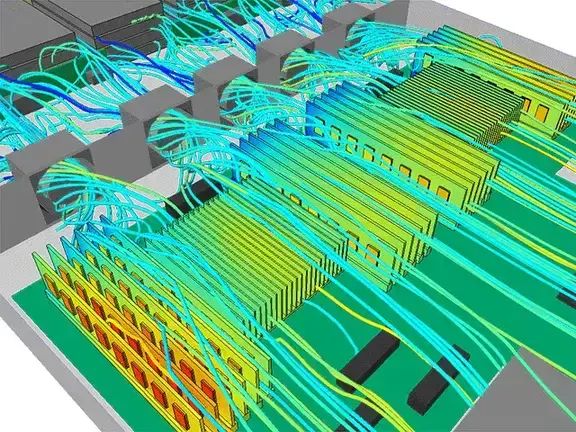
Structural & Finite Element Analysis (FEA)
Predict stress, deformation, and fatigue under real operating conditions. Validate structural integrity, safety margins, and durability across components and assemblies.
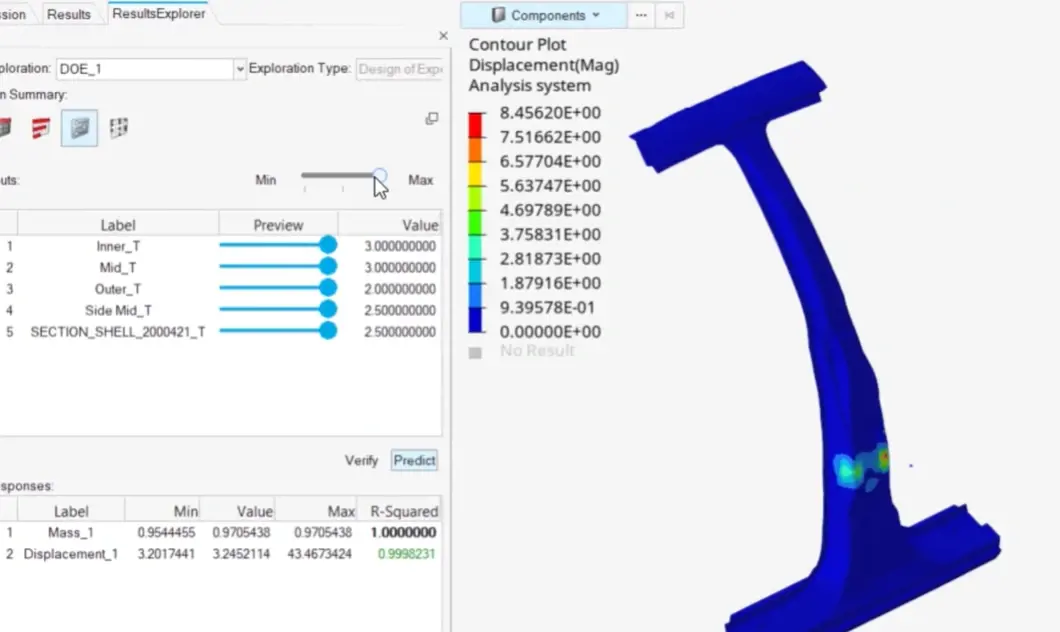
Thermal Simulation
Evaluate temperature distribution and overheating risks in products and systems. Design efficient cooling strategies and improve reliability in high-power environments.
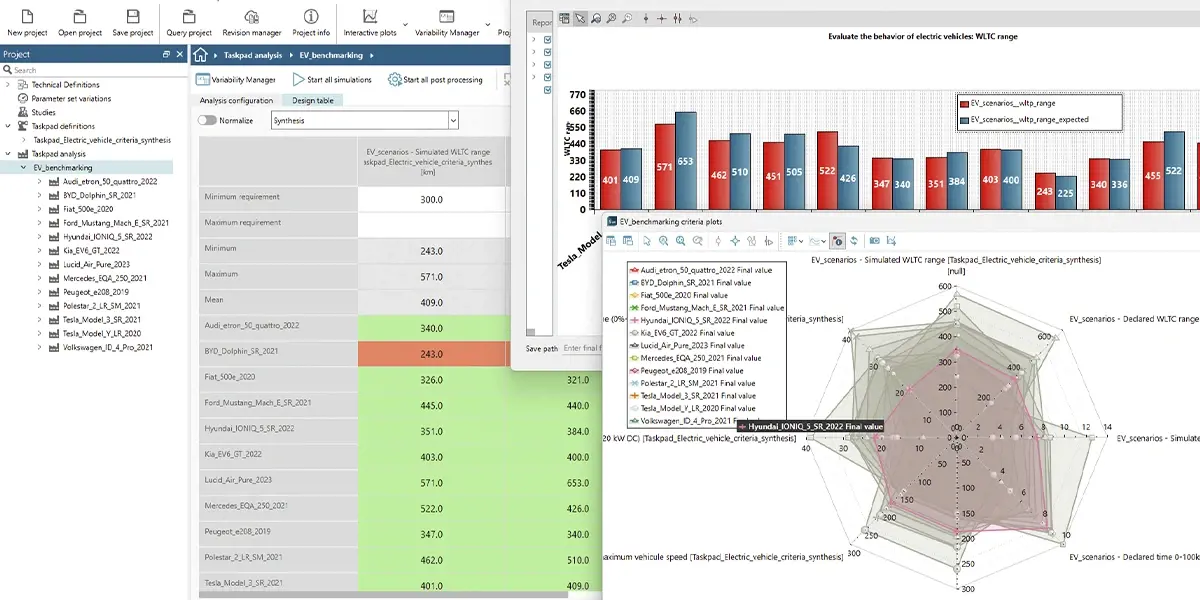
Multibody & Motion Simulation
Simulate the dynamic behavior of mechanical systems and moving assemblies. Analyze kinematics, vibration, and load transfer across mechanisms such as gears and suspensions.
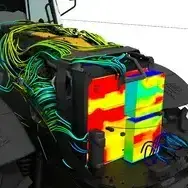
System Simulation & Digital Twin
Model interactions between mechanical, electrical, and control systems. Enable performance prediction, control validation, and operational optimization using digital twin approaches.
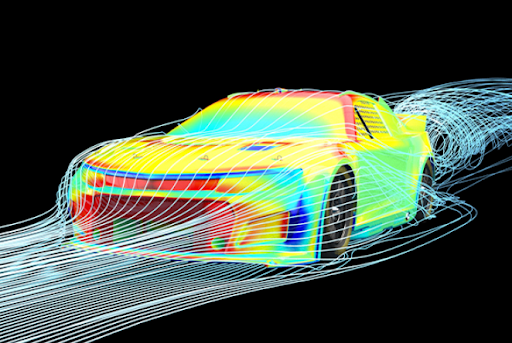
Design Optimization & Virtual Prototyping
Automatically explore design alternatives using parametric and topology optimization. Reduce development time and minimize physical prototyping through virtual validation.
Use Cases
.webp)
Where Siemens Simcenter Delivers Value
Apply advanced engineering simulation across industries and product development workflows.
Siemens Simcenter delivers value across aerospace, automotive, electronics, industrial equipment, energy, and consumer products. Engineers use Simcenter to validate thermal management, reduce structural failures, and optimize aerodynamic performance before manufacturing. Explore specialized capabilities like Simcenter FloEFD for CFD embedded in CAD, or contact TrueInsight to find the right simulation workflow for your product.
Implementation & Support

Expert Support Beyond the Software
From setup to advanced simulation workflows, we help engineering teams successfully implement and scale Siemens Simcenter.
Simulation tools require proper setup, modeling strategies, and validation processes to deliver reliable results. TrueInsight provides hands-on support to help teams implement Simcenter, develop accurate models, and interpret results for real engineering decisions.Our specialists assist with installation, workflow configuration, training, and advanced simulation , enabling teams to confidently integrate simulation into their product development process.
Frequently Asked Questions about Siemens Simcenter
Siemens Simcenter is used by engineering teams to predict product performance before manufacturing. It enables analysis of airflow, structural stress, temperature behavior and system operation using physics-based simulation models instead of physical prototypes.
In Siemens Simcenter, CFD (Computational Fluid Dynamics) analyzes airflow, heat transfer and aerodynamics, while FEA (Finite Element Analysis) evaluates structural stress, deformation and fatigue. Both analyses are commonly used together in product development simulations.
Yes, but far fewer. Simulation allows engineers to validate designs digitally first, so physical prototypes are used mainly for final verification instead of trial-and-error testing. This reduces development time and cost.
Simulation is widely used in aerospace, automotive, electronics, energy, heavy machinery and industrial equipment. Any product that experiences forces, heat, airflow or motion benefits from simulation-driven design.
No. Many small and mid-sized engineering teams adopt simulation to reduce redesign cycles, avoid manufacturing mistakes and accelerate product development without expanding physical testing infrastructure.
Initial setup can be completed quickly, but effective adoption depends on workflow integration and training. With proper implementation support, teams can begin running useful simulations within weeks while progressively improving model accuracy.
Ready to Integrate Simulation into Your Engineering Workflow?
Work with TrueInsight experts to implement Siemens Simcenter and accelerate your product development process.