
TrueInsight
Siemens/Altair Channel Partner
Menu



Injection Molding Design
Evaluate filling, packing, cooling, and warpage behavior to identify defects early and support better design and tooling decisions.
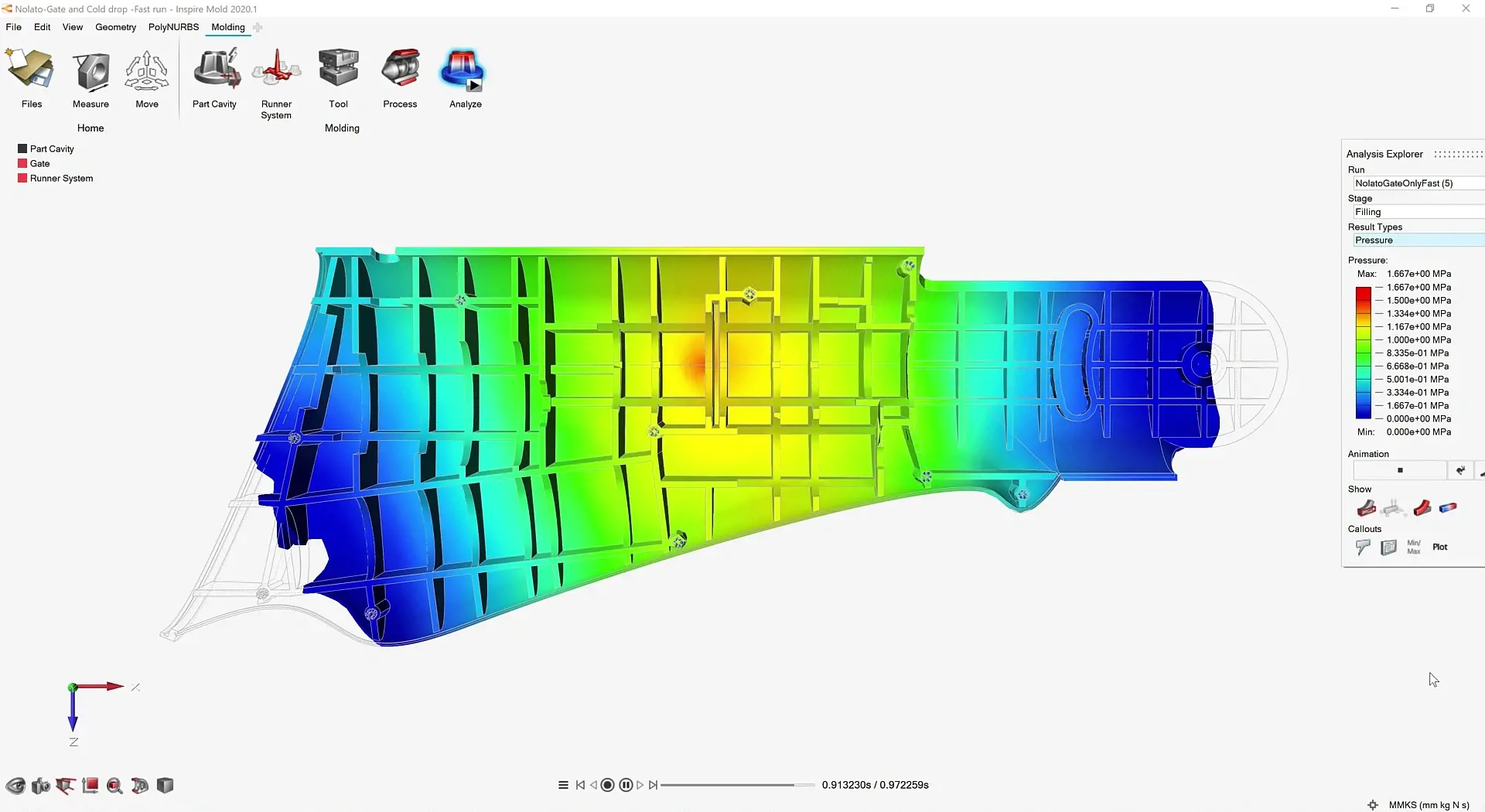
Injection Molding Simulation
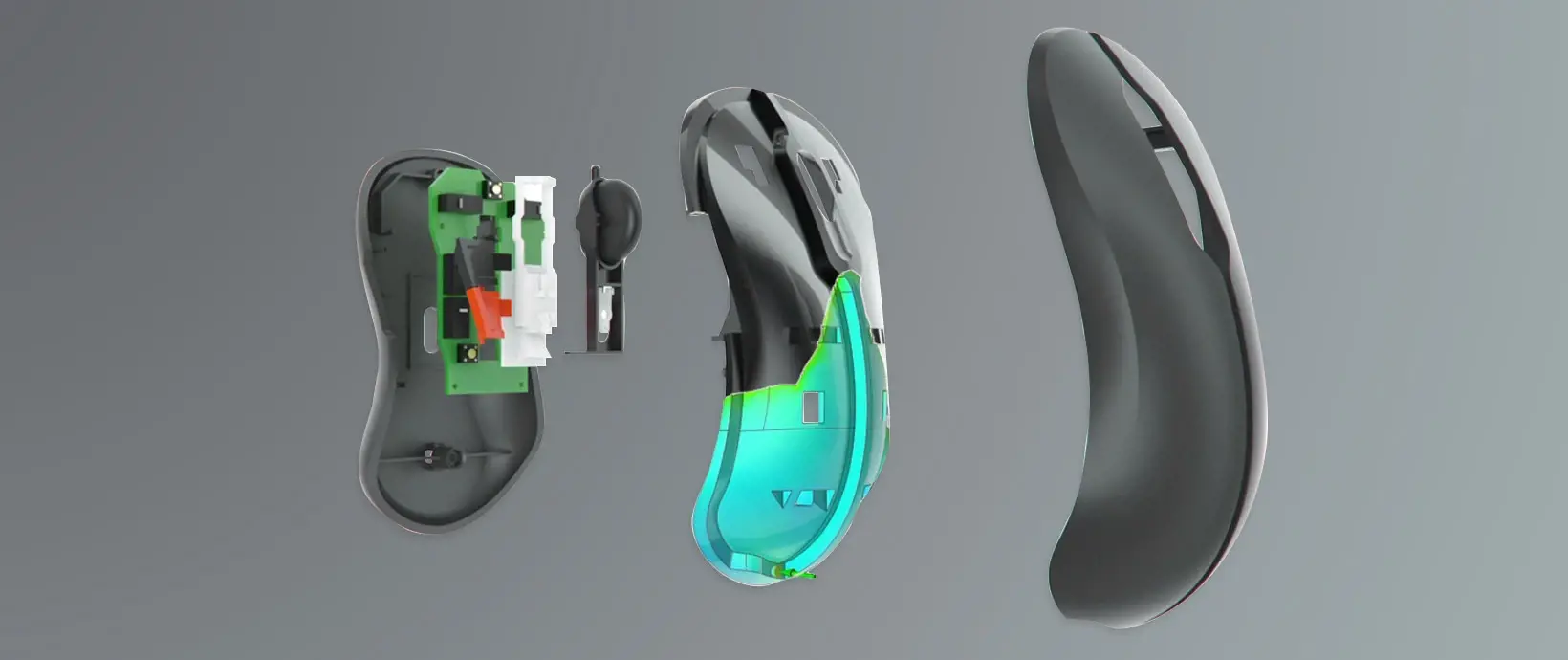
What is Inspire Mold?
A simulation-driven environment for evaluating injection molding processes and validating part designs before tooling.
Inspire Mold provides a structured workflow to analyze injection-molded components early in development. Engineers can study part behavior, assess process feasibility, and identify potential issues before physical molding begins. The platform supports key stages such as part definition, gating setup, process configuration, and result evaluation, enabling more informed design decisions, reduced iteration cycles, and improved overall product quality.
Key Features of Altair Inspire Mold
Core capabilities to define molding setups, predict defects early, and validate injection molding processes before tooling.

Injection Molding Setup from Part Geometry
Inspire Mold starts from the part design and helps users build the molding setup around it. That includes automatic or assisted creation of key process components such as cavities, runners, gates, sprues, injection points, cooling lines, air vents, and the mold itself, making it easier to move from CAD geometry into a usable molding study.
Early Defect Prediction Before Tooling
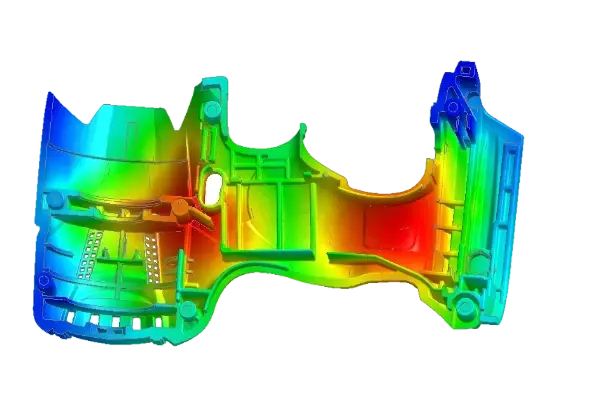
A major value of Inspire Mold is the ability to identify molding issues before they become expensive shop-floor problems. The software is built to help teams review likely defects such as sink marks, short shots, air traps, weld lines, jetting, hesitation, shrinkage, and warpage early enough to adjust the design or process before mold trials.
Design-Centric Process Validation
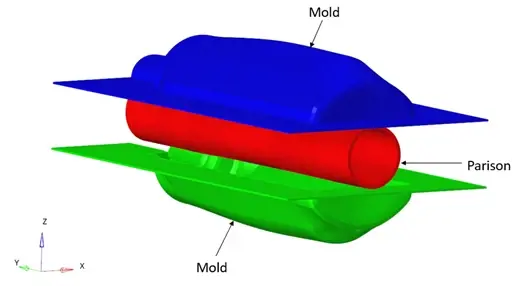
This is not just a basic fill check. Inspire Mold supports filling, packing, cooling, and warpage analysis, allowing teams to study how part design and process settings interact so they can make more informed manufacturing decisions earlier in the development cycle.
Inspire Mold Capabilities
Comprehensive tools for defining mold configurations, evaluating process conditions, and analyzing part behavior across injection molding workflows.
Automatic Mold, Runner, and Gate Definition
Inspire Mold supports the creation and designation of gates, runners, sprues, injection points, and mold geometry so teams can assemble a realistic injection molding setup without relying on a disconnected workflow. It also supports automatic runner creation when that geometry is not already present in the model.
Configuration Testing for Cavities, Inserts, and Tooling
The software is designed to help users compare multiple molding configurations quickly, including cavities, inserts, runner layouts, sprues, and related tooling decisions. That makes it useful for evaluating manufacturability tradeoffs before production tooling is finalized.
Filling, Packing, Cooling, and Warpage Simulation
Inspire Mold supports the main physics engineers expect in injection molding studies: filling, packing, cooling, and warpage. Users can run these events individually or together to understand how process choices affect final part quality and dimensional behavior.
Gate Optimization and Defect Visibility
The platform includes gating tools and gate optimization to help place gates more effectively and reduce defect risk in finished parts. Combined with result review for common molding issues, this gives teams a stronger basis for improving flow paths, fill behavior, and overall part quality.
Fiber Orientation for Reinforced Plastic Parts
For reinforced plastic components, Inspire Mold can simulate fiber orientation and carry those results into downstream structural analysis workflows. That makes it more valuable for teams working with engineering polymers where process history influences final structural performance.
Guided Workflow, Setup Modes, and Reporting
Inspire Mold supports both Quick Mode and Advanced Mode for different levels of modeling depth, then lets users review results, generate reports, and even create compensated geometry based on expected deformation after analysis. That combination makes it suitable both for early studies and more detailed process validation.
Expert Altair Inspire Mold Support and Services from TrueInsight

With TrueInsight, Your Inspire Mold Evaluation Is Easier
Expert support across evaluation, licensing, and implementation to help your team adopt Inspire Mold with confidence.
TrueInsight is an official Altair reseller and positions itself around solution selection, licensing, practical engineering guidance, and adoption support. For teams evaluating Inspire Mold, that means clearer help with fit assessment, demos and onboarding.
Articles & Resources
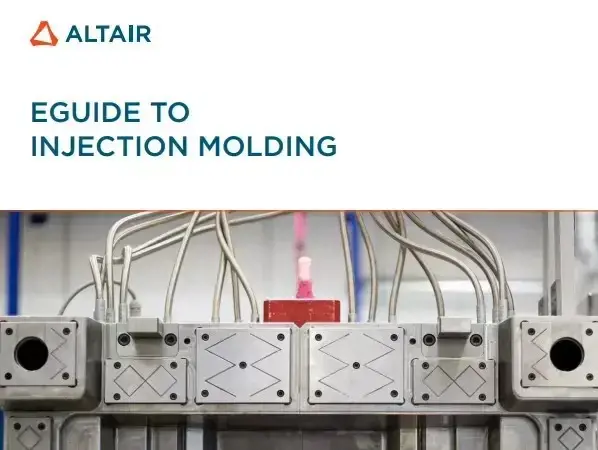
Injection Molding Guide
Understand the fundamentals of injection molding, including process stages, common challenges, and how simulation helps reduce trial-and-error in development.
Explore capability →
Consumer Electronics Design & Packaging
Discover how simulation-driven design improves product development, reduces iteration costs, and supports more sustainable manufacturing and packaging strategies.
Explore capability →
Altair Inspire
Connect part design with manufacturability by exploring geometry, materials, and performance before moving into injection molding validation.
Learn More →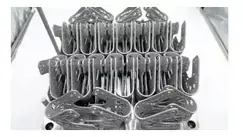
Manufacturing Process Simulation
Extend beyond molding to evaluate forming, casting, and production processes within a unified simulation-driven workflow.
Explore capability →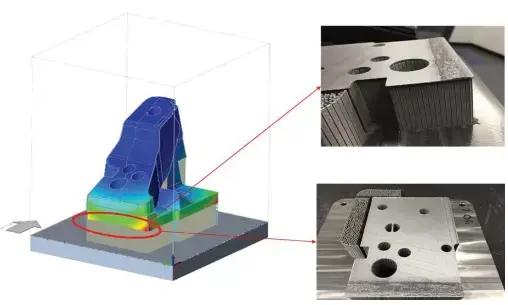
Plastics Engineering Solutions
Support injection-molded product development with simulation tools that address material behavior, performance, and production feasibility.
Explore capability →
Altair HyperWorks
Expand injection molding insights into full product validation, including structural, thermal, and multi-physics simulation.
Learn About HyperWorks →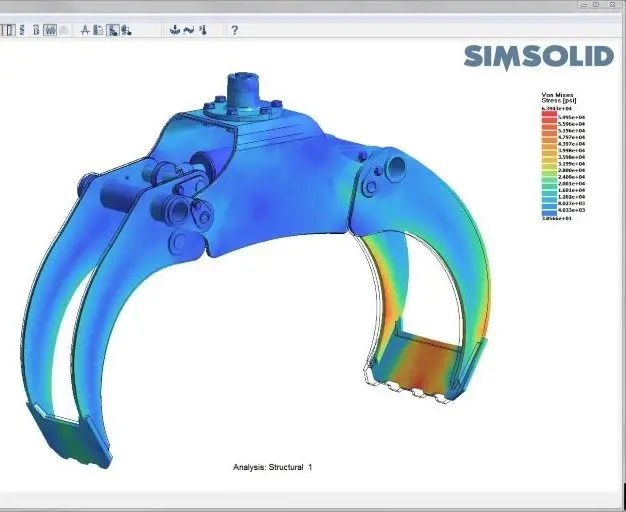
Altair SimSolid
Evaluate structural performance of molded parts quickly, incorporating realistic conditions influenced by manufacturing processes.
Learn About SimSolid →Frequently Asked Questions
Inspire Mold is used to simulate and optimize injection-molded components before production. It helps teams study part filling, packing, cooling, warpage, and likely defect formation so they can improve manufacturability earlier.
It is designed for product engineers and designers who need earlier manufacturability insight, while still offering enough setup depth for more detailed molding studies through advanced configuration tools.
Yes. Inspire Mold supports automatic or manual setup of key molding components including gates, runners, sprues, injection points, cavities, cooling lines, and the mold itself.
It supports filling, packing, cooling, and warpage simulation, with options to run stages individually or in combination depending on the depth of study needed.
Yes. It is built to help teams detect issues such as sink marks, short shots, air traps, weld lines, jetting, hesitation, shrinkage, and warpage before costly mold iterations are locked in.
Yes. Inspire Mold includes fiber-orientation simulation for reinforced parts, which can then inform downstream structural evaluation.
Ready to Take the Next Step with Inspire Mold
TrueInsight can help you explore the right fit, schedule a demo, and move from evaluation to practical adoption with the right Altair licensing and support path.