
TrueInsight
Siemens/Altair Channel Partner
Menu




Extrusion Simulation for Engineering Validation
Evaluate metal and polymer extrusion processes to identify flow, distortion, and thermal risks before manufacturing.
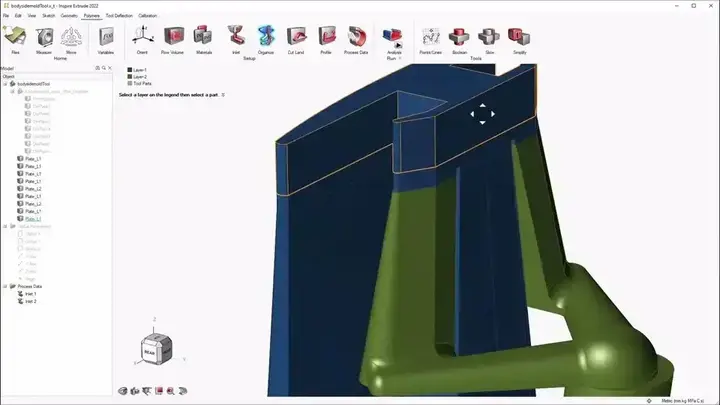
Extrusion Simulation
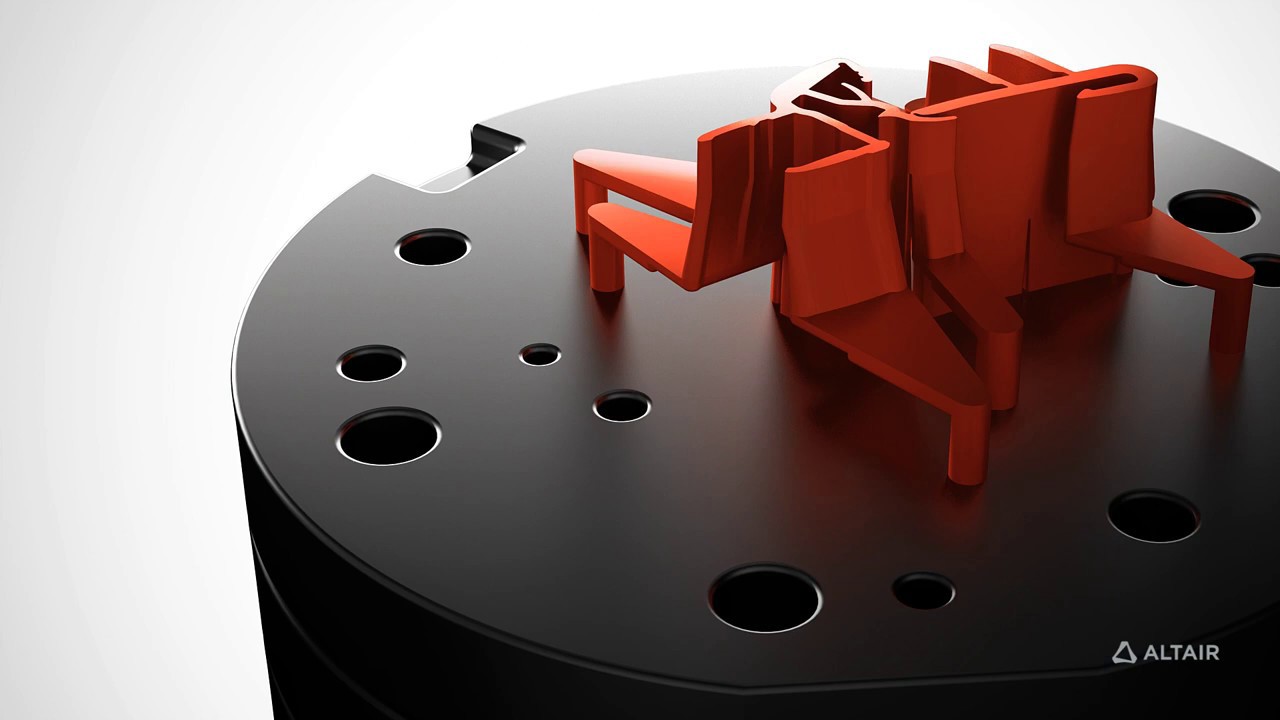
What is Altair Inspire Extrude?
Simulate metal and polymer extrusion processes to validate performance before tooling.
Altair Inspire Extrude enables engineers to analyze and optimize extrusion processes for both metal and plastic components. It allows teams to evaluate complex profiles, tight tolerances, surface quality, and structural performance using a virtual die—reducing the need for costly physical trials. By simulating the process early, manufacturers can improve product quality, shorten development cycles, and minimize production risks.
Key Features of Altair Inspire Extrude
Core capabilities designed to validate extrusion processes, reduce manufacturing risk, and improve product quality.
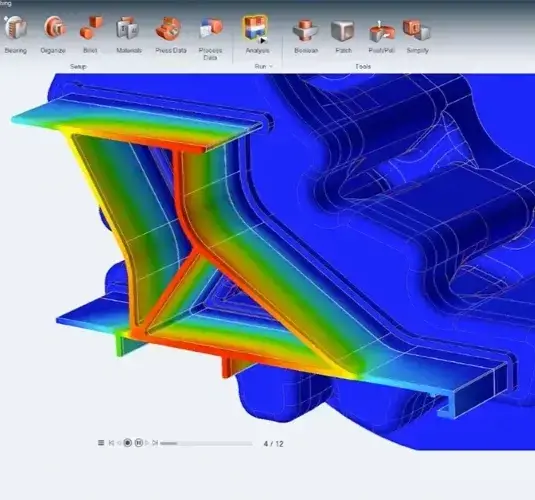
Metal and Polymer Extrusion Workflows
Inspire Extrude supports both metal and polymer extrusion workflows through dedicated product paths tailored to each process. That makes it easier to validate profile behavior, assess manufacturability earlier, and apply extrusion simulation where it matters most instead of treating all workflows the same.
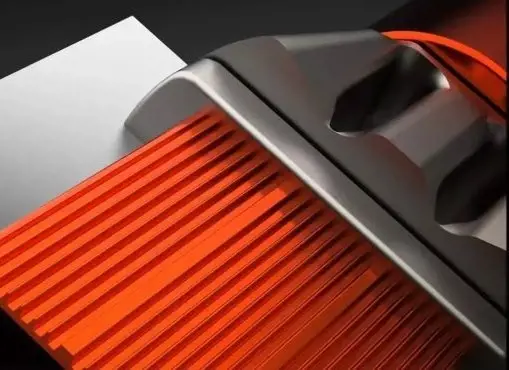
Virtual Die Validation Before Tooling
A major strength of Inspire Extrude is the ability to evaluate dies virtually before steel is cut. Teams can study how profile features and process variables interact, identify likely manufacturing problems earlier, and reduce redesign loops, rework, and scrap tied to late-stage corrections.
CAD-to-Simulation Workflow for Faster Iteration
The software includes geometry creation and simplification tools that help users de-feature and modify CAD directly in the workflow. That shortens setup time and helps teams move more quickly from die geometry to simulation, review, and refinement.
Advanced Extrusion Analysis Capabilities
Deep engineering insights to evaluate defects, material behavior, and die performance across metal and polymer extrusion processes.
Metal Extrusion Defect Prediction
For metal extrusion, Inspire Extrude helps teams investigate issues such as profile distortion, deflection-related damage, backend contamination, charge weld defects, seam weld issues, grain-size concerns, overheating, and poor surface quality. This makes it easier to improve die and process decisions before production trials begin.
Polymer Extrusion and Coextrusion Analysis
For polymer workflows, Inspire Extrude supports extrusion analysis aimed at validating die design and improving product quality. It includes guided templates for coextrusion, spiral dies, coextrusion with metal inserts, and film and sheet dies, while helping users study risks such as unbalanced flow, die swell, overheating, coextrusion interference, and poor surface quality.
Tool Deflection and Die Performance Insight
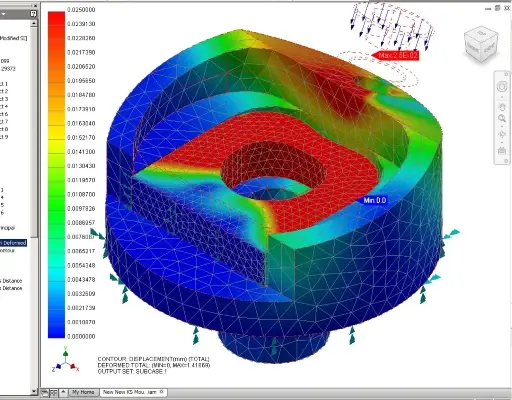
Inspire Extrude Metal helps users evaluate die performance with visibility into profile deformation, temperature behavior, and tool response. Official help resources also support dedicated tool deflection analysis workflows, giving teams more confidence when validating die robustness and deciding where corrections may be needed.
Bearing Optimization for Balanced Flow
Bearing design can strongly influence extrusion balance and downstream quality. Inspire Extrude includes bearing optimization workflows that help users fine-tune bearing regions and reduce the manual effort required to balance the die, improving the chances of reaching a more stable result earlier.
Results Visualization for Faster Decisions
Inspire Extrude provides results visualization that helps teams interpret what is happening in the process instead of relying on guesswork. Depending on the workflow, users can review data such as temperature, displacement, velocity distribution, pressure, viscosity, cooling behavior, and related process outcomes to guide better design and process changes.
Flexible Material and Process Setup
In metal extrusion workflows, Inspire Extrude supports material setup with common alloy families including aluminum, steel, magnesium, and titanium, while also allowing custom materials. This gives teams more flexibility when validating real manufacturing scenarios rather than only idealized studies.
Expert Inspire Extrude Support and Services from TrueInsight

With TrueInsight, Your Inspire Extrude Rollout Is Easier
Get expert guidance to integrate Inspire Extrude into your workflow with confidence and measurable impact.
TrueInsight helps manufacturers evaluate where Inspire Extrude fits in their workflow, from early software evaluation through pricing conversations, trial access, and product guidance. For teams working to reduce die rework, improve extrusion quality, or expand simulation earlier into manufacturing decisions, the value is not just access to the software but clearer direction on where it can deliver results fastest.
Frequently Asked Questions
It is used to simulate metal and polymer extrusion processes so teams can validate die and process decisions before production. The goal is to reduce physical trial-and-error, improve profile quality, and catch likely problems earlier.
Yes. The product family includes dedicated workflows for both metal extrusion and polymer extrusion, with process-specific capabilities for each.
Yes. A core benefit of the software is validating die behavior virtually before manufacturing the tool, which helps reduce redesign cycles, scrap, and costly die rework.
Depending on the workflow, it can help identify issues such as profile distortion, unbalanced flow, die swell, surface-quality risks, overheating, weld-related defects, contamination risks, and tool deflection behavior.
The product is positioned as an easier-to-learn extrusion simulation environment with guided workflows and a process-driven interface, which makes it more accessible to a wider range of engineers and designers than traditional specialist-only setups.
Start with a conversation around your extrusion workflow, material type, and quality goals. From there, TrueInsight can help you evaluate fit, discuss pricing or trials, and move toward the right next step for your team.
Ready to Take the Next Step with Inspire Extrude
See how Altair Inspire Extrude can help your team validate metal and polymer extrusion earlier.