
TrueInsight
Siemens/Altair Channel Partner
Menu



Altair Inspire Structures | Structural Analysis & Optimization
Altair Inspire Structures helps engineers set up structural analysis and optimization studies inside the Inspire environment. It supports linear static, normal modes, and buckling analysis, along with topology, topography, and gauge optimization using SimSolid or OptiStruct solver paths.
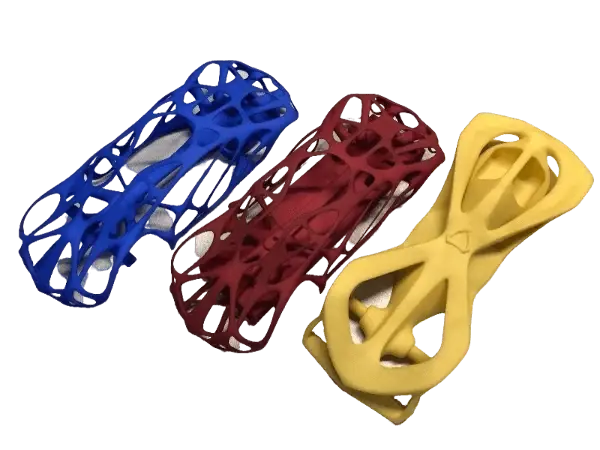
What is Altair Inspire Structures?
Altair Inspire Structures is the structural analysis and optimization environment within Altair Inspire. It is used to define connections, loads, constraints, materials, masses, and other structural setup data, then run structural studies and optimization workflows from the same modeling environment.
For structural analysis, it supports linear static analysis, normal modes, and buckling. For optimization, it supports topology, topography, and gauge studies, giving engineers a practical way to evaluate performance and reduce mass while staying within design constraints.
It also includes result review and documentation tools through the Analysis Explorer, plus export options for solver models when deeper downstream work is needed.
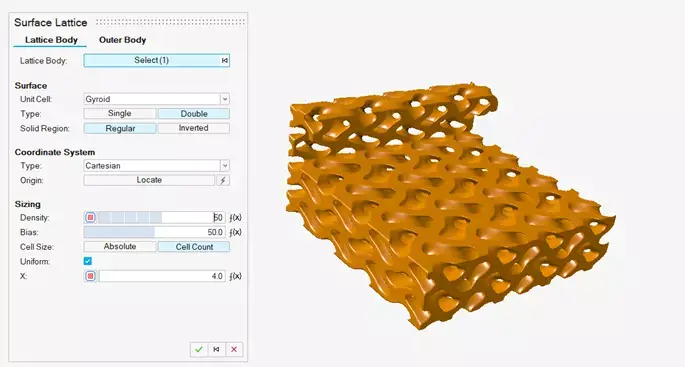
Key Features Of Inspire Structures
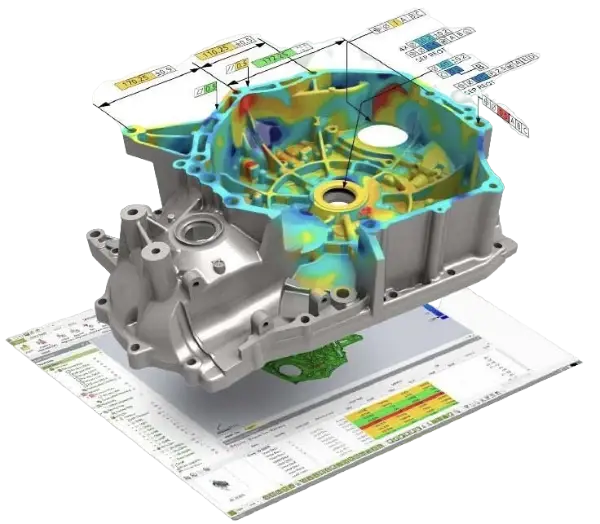
Embedded Structural Analysis
Run linear static, normal modes, and buckling studies directly in the structural workflow, with the option to use either the SimSolid or OptiStruct solver depending on the analysis path you need.
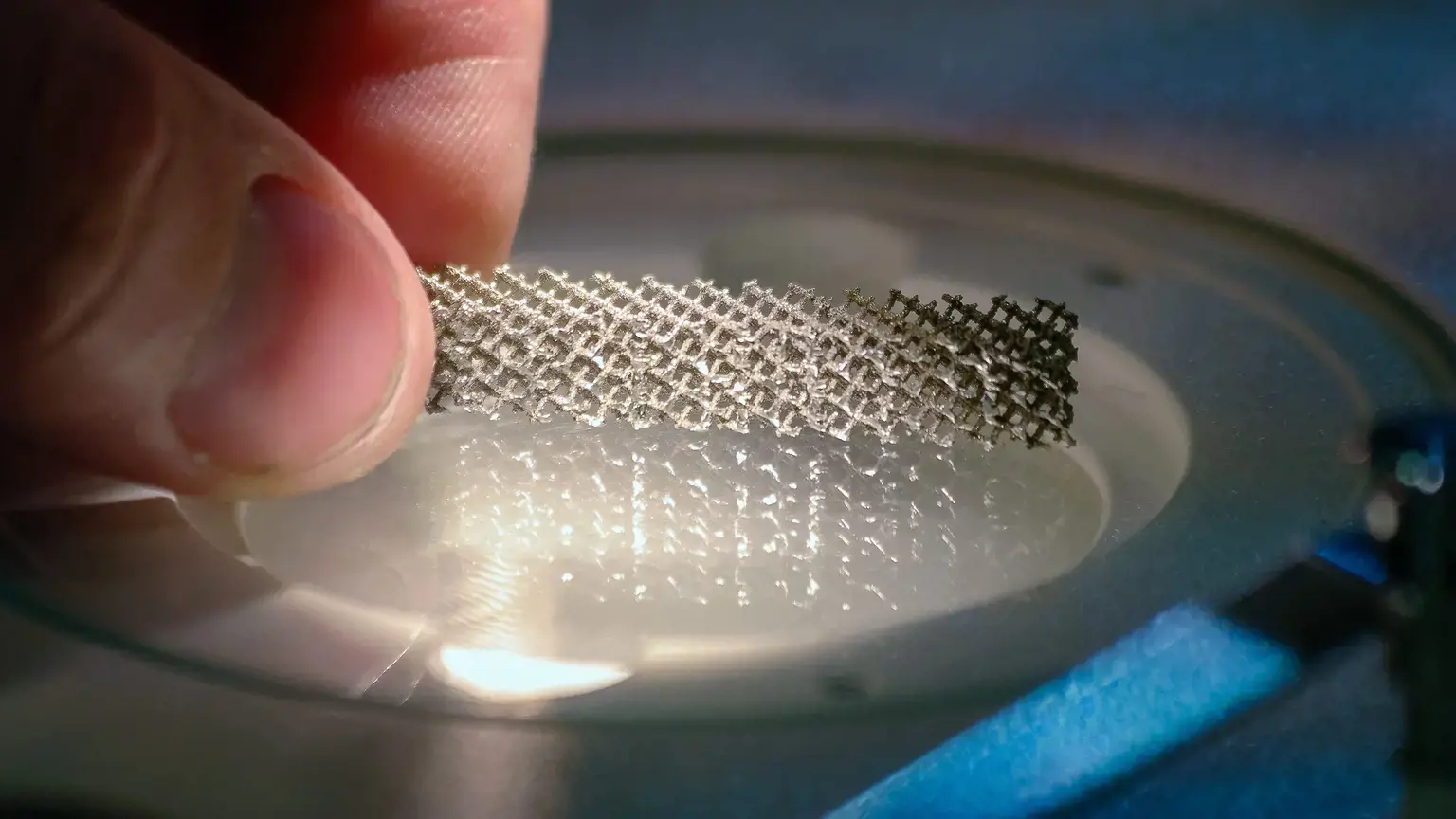
Structural Optimization for Lightweighting
Set up topology, topography, and gauge optimization studies to remove unnecessary mass, refine structural form, or tune thickness on suitable design spaces.

Clear Results Review and Reporting
Review structural results in the Analysis Explorer, compare runs, animate behavior, add callouts, and generate PowerPoint or PDF reports for communication and review.
Inspire Structures Capabilities
Connections and Assembly Setup
Create and define structural connections such as fasteners, joints, connectors, spot welds, and contacts for part and assembly-level studies.
Loads, Supports, and Physical Conditions
Apply forces, torques, pressures, enforced displacements, supports, accelerations, gravity, and temperature-related conditions as part of structural setup.
Materials, Libraries, and Concentrated Masses
Create materials, assign them to parts, organize material libraries, and add concentrated masses where the model needs them.
Variables, Load Cases, and Coordinate Systems
Parameterize structural inputs with variables, work with load cases, and apply user-defined coordinate systems to supports, loads, and displacements.
Design Space and Optimization Controls
Define design spaces and run structural optimization with study-specific controls, including thickness-related settings and constraint-driven objectives for stiffness, mass, or frequency.
Mesh Control and Solver Export
Assign mesh controls where needed, run structural analyses, and export solver models as .fem or .ssp files for additional work in OptiStruct or SimSolid-based downstream workflows.
Results Exploration and Documentation
Use the Analysis Explorer to inspect and compare results, then create quick or customized PPT and PDF reports for design reviews and handoff.
Expert Inspire Structures Support By True Insight

Fast Implementation, Quality Support
Licensing, demos, and product guidance
TrueInsight is an official Altair channel partner that helps teams evaluate, deploy, and use simulation tools in real engineering workflows. For Inspire Structures, that can include licensing guidance, onboarding, implementation support, training, solver-path guidance, and practical help building repeatable structural analysis and optimization workflows.
Articles & Resources
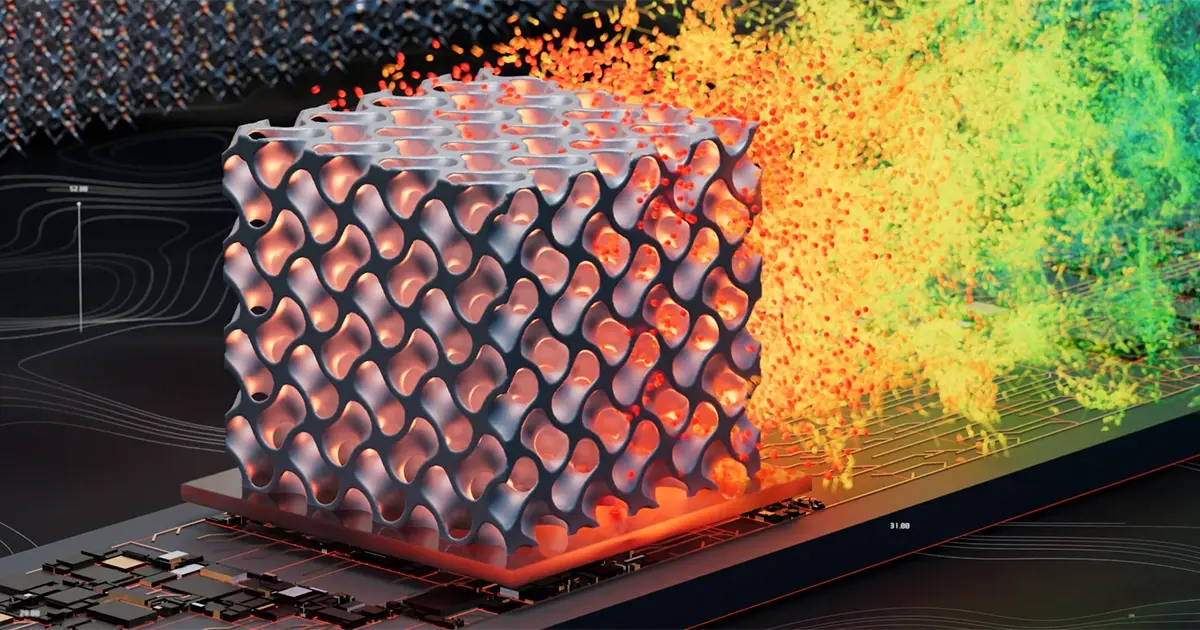
Altair Inspire
Simulation-driven design environment that helps teams create geometry, explore performance, and validate manufacturability early.
Learn About The Inspire Platform →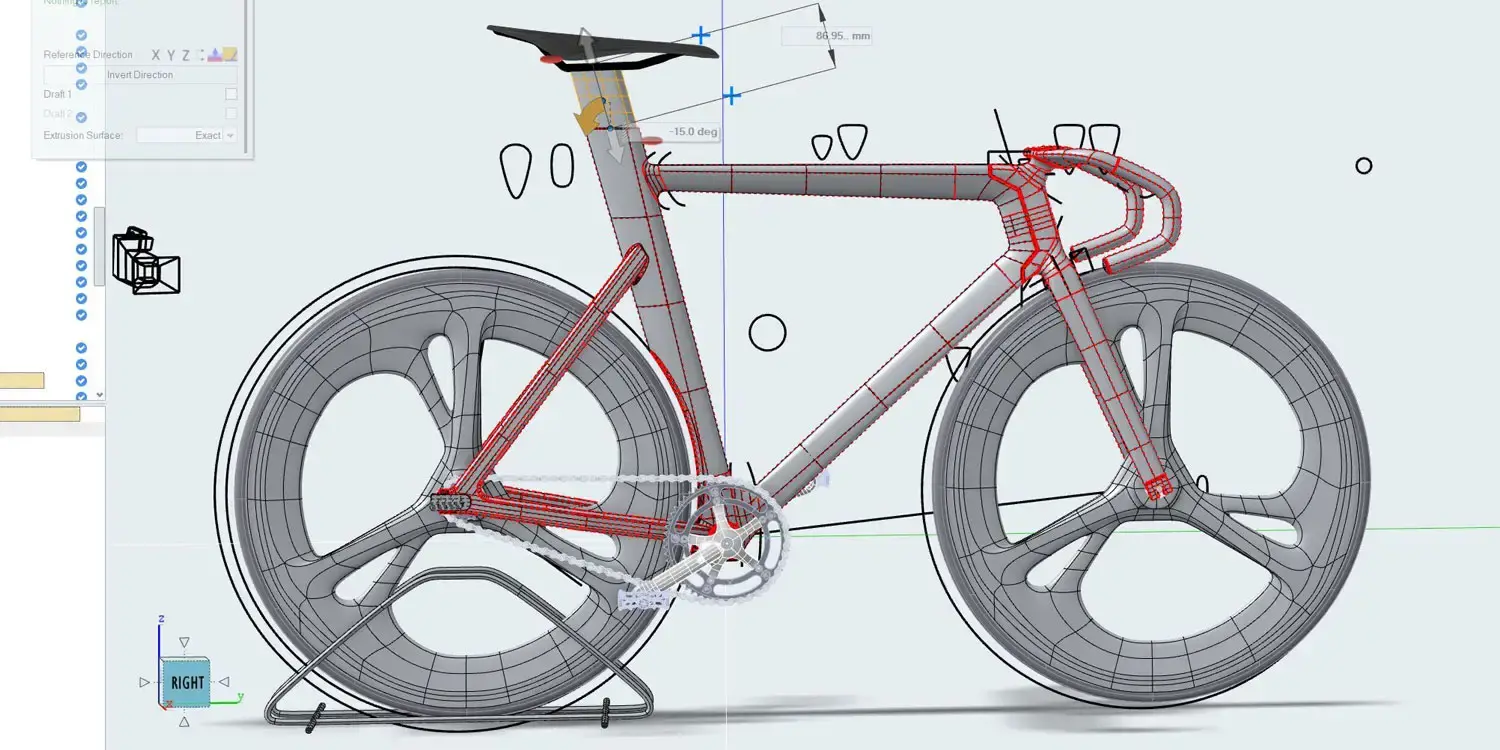
Structural Analysis Software
Structural analysis helps engineers predict how parts and assemblies respond to real loads, stress, deformation, vibration, and failure risk before anything is built.
See Discipline Information →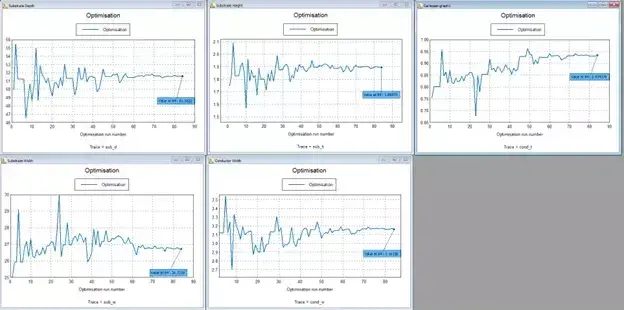
Looking at Different Methods of Optimization with Altair
Optimization approaches around Inspire workflows.
Read Article →Frequently Asked Questions
It is used to set up structural analysis and structural optimization studies inside Altair Inspire, including model setup, solver selection, result review, and reporting.
It supports linear static analysis, normal modes analysis, and buckling analysis.
For structural analysis, it can use either SimSolid or OptiStruct.
Yes. Inspire Structures supports topology, topography, and gauge optimization for structural improvement and lightweighting.
Yes. It includes tools for fasteners, joints, connectors, spot welds, and contacts, along with loads and supports for assembly-level setup.
Yes. You can review results in the Analysis Explorer, export reports as PPT or PDF, and export solver models as .fem or .ssp files.