
TrueInsight
Siemens/Altair Channel Partner
Menu




Altair Compose Software | Math, Programming & Data Analysis
Altair Compose is an engineering computation environment for math, scripting, data analysis, and visualization. It brings together numerical functions, process automation, plotting, and native CAE and test data access in one environment, and it can also work with Altair Activate in model-based development workflows.
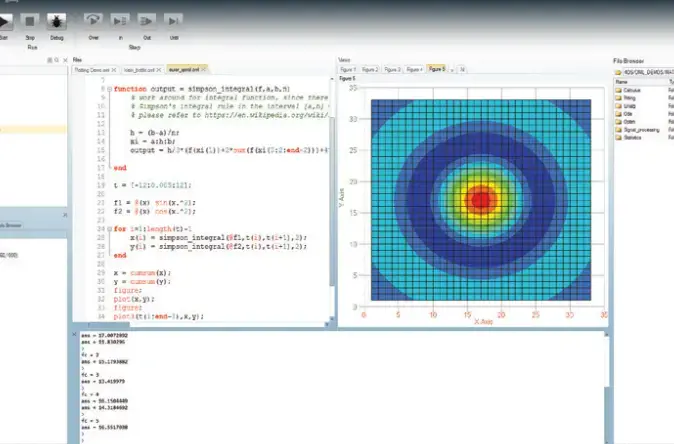
What is Altair Compose?
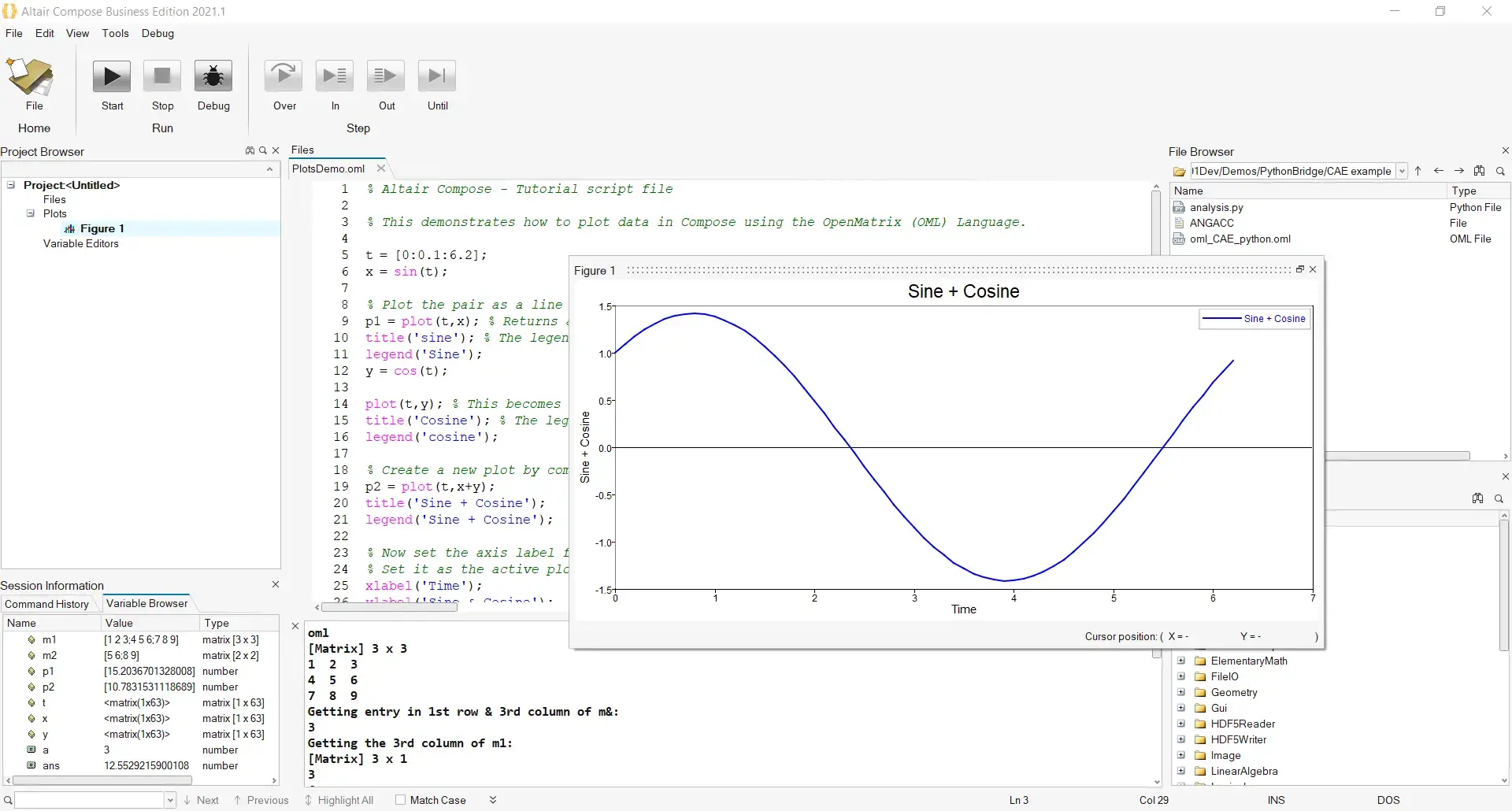
Altair Compose is a computational environment built for numerical computing, algorithm development, data manipulation, visualization, and scripting. It supports engineering work such as linear algebra, matrix operations, statistics, differential equations, signal processing, control systems, polynomial fitting, and optimization, while also providing native readers and utilities for CAE and test data.
Key Features Of Altair Compose
Numerical Computing for Engineering Math
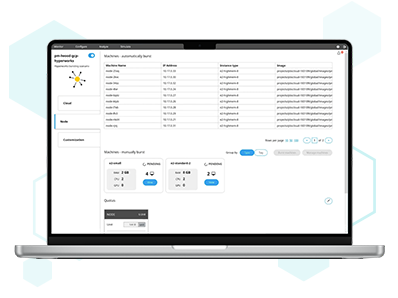
Compose includes hundreds of math operations and built-in functions for calculations ranging from simple analysis to more complex engineering computation. Its documented scope includes linear algebra, statistics, differential equations, signal processing, control systems, polynomial fitting, and optimization.
Rapid Algorithm Development and Automation
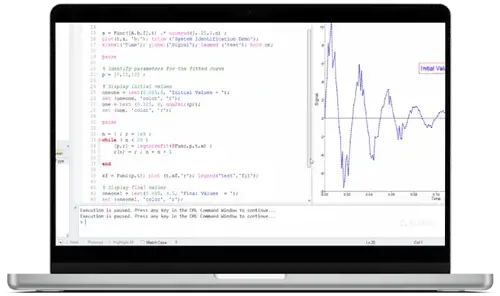
Compose is built for developing, running, and debugging scripts used for repeated computations and process automation. It is positioned as a practical environment for exploring approaches faster than spreadsheets or lower-level programming workflows in many engineering tasks.
.webp)
Native CAE and Test Data Access
Compose includes native readers and utilities for CAE and test results, making it possible to import, visualize, manipulate, and compare engineering data inside the same environment used for calculations and scripting.
Capabilities
Integrated Scripting and Debugging Environment
Compose includes an integrated development environment for authoring, running, debugging, analyzing, and profiling scripts, so repeated engineering calculations and automated workflows can be developed and refined in one place.
Multi-Language Support
Compose is built around Open Matrix Language, or OML, and also supports Python, Tcl, and R in the same environment. Its compatibility with Octave also makes it easier to bring matrix-based scripts and workflows into Compose.
Plotting and Visualization Tools
Compose supports 2D and 3D plotting for engineering data and calculations, with utilities for creating and editing plots directly from OML workflows. This makes it easier to interpret outputs without moving data into a separate visualization tool.
CAE and Test Data Handling
Compose includes built-in readers and utilities for importing, visualizing, manipulating, and comparing CAE and test data, including 3D CAE results and correlation workflows such as CORA and ISO-18571.
Signal and Waveform Utilities
Compose includes signal-processing support and a Signal Viewer for importing, treating, and generating signals in time and frequency domains, including common waveform types such as step, chirp, and sawtooth.
Data Exploration Utilities
Compose includes practical data exploration tools such as HDF5 Viewer, MAT Explorer, and Signal Viewer, which help users inspect files, load variables, and work with signals in both time and frequency domains.
Compose Notebook
Compose Notebook brings OML into a Jupyter Notebook environment, supporting notebook-style execution, markdown-rich editing, OML help access, and notebook saving in standard .ipynb format.
Extensions and Custom Libraries
Compose can be extended with custom libraries and extensions, including libraries written in C, C++, or Fortran and interfaced with OML for specialized workflows.
HyperWorks and Related Altair Workflow Connection
Compose functions can be registered for use in HyperGraph, HyperStudy, MotionView, and the HyperMesh Matrix Browser, making Compose a practical tool for reusable calculations inside broader Altair engineering workflows.
Expert Compose Support by TrueInsight

Dedicated Engineers, Easier Implementations
Licensing, demos, and product guidance
TrueInsight helps engineering teams adopt Altair software with practical guidance that goes beyond licensing alone. For Compose, that can include evaluation support, trial and pricing guidance, onboarding, implementation planning, training, and help connecting Compose workflows to related Altair tools such as Activate, Embed, HyperWorks, and broader engineering services when needed.
Articles & Resources
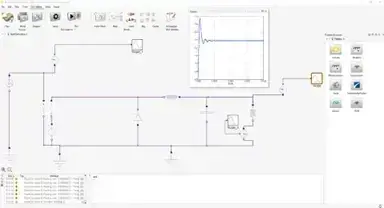
Altair Activate
Understand how Compose complements Activate in model-based development and system simulation workflows.
Learn About Activate →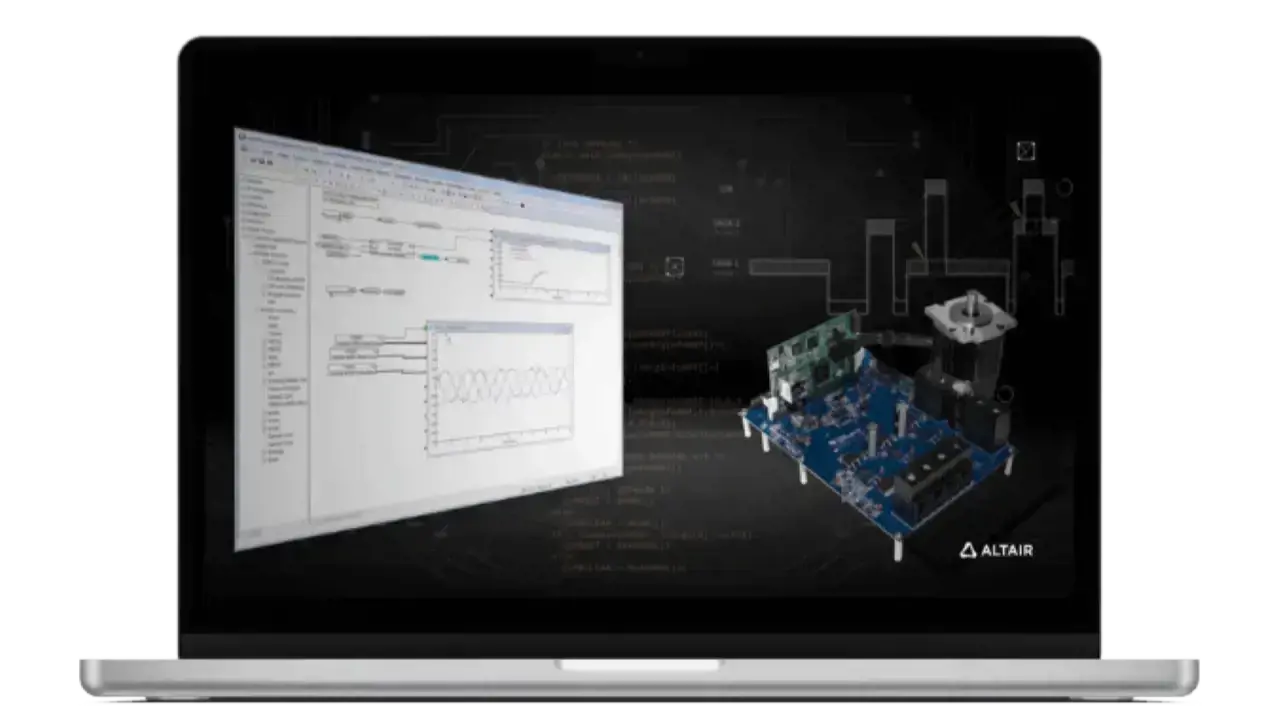
Altair Embed
See the related Altair tool used for embedded implementation alongside Compose-driven development workflows.
Learn About Embed →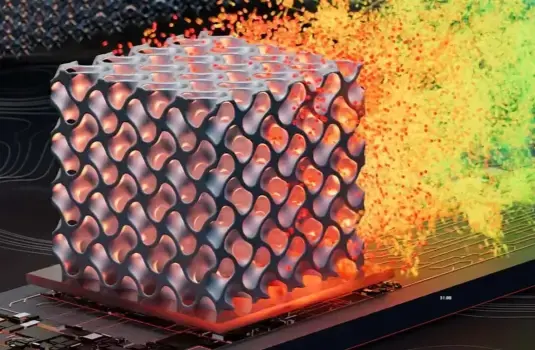
Altair HyperWorks
Explore the broader CAE environment that connects naturally with Compose data handling and engineering workflows.
Learn About HyperWorks →
Automation in Simulation
Learn more about the automation workflows that align with Compose scripting and repeated engineering calculations.
Read Article →Frequently Asked Questions
Compose is used for engineering math, data analysis, visualization, algorithm development, and scripting. It is also built for repeated computations, process automation, and working with CAE and test data.
Yes. Compose supports Python as a scripting language and allows Python-based workflows to run alongside OML in the same environment.
No. Compose is built around OML, but it also supports Python, Tcl, and R, and it is compatible with Octave for matrix-based workflows.
Yes. Compose includes CAE Reader and CAE Reader 3D tools, plus utilities for reading and handling CAE and test data.
Compose works with Altair Activate for model-based development. In the broader portfolio, Altair Embed complements that workflow with automated code generation and testing and verification for embedded systems.
Yes. OML functions can be registered from Compose and then accessed in HyperGraph, HyperStudy, MotionView, and the HyperMesh Matrix Browser.