
TrueInsight
Siemens/Altair Channel Partner
Menu



SmartCtrl Software | Power Converter Control Design
Power converter control design, loop analysis, and tuning in one integrated platform.
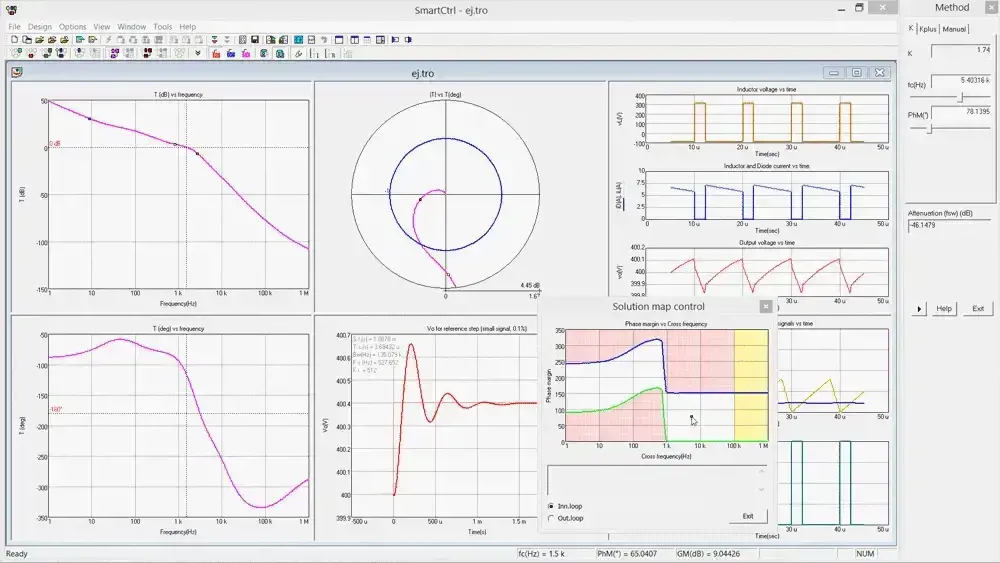
Control Design Software
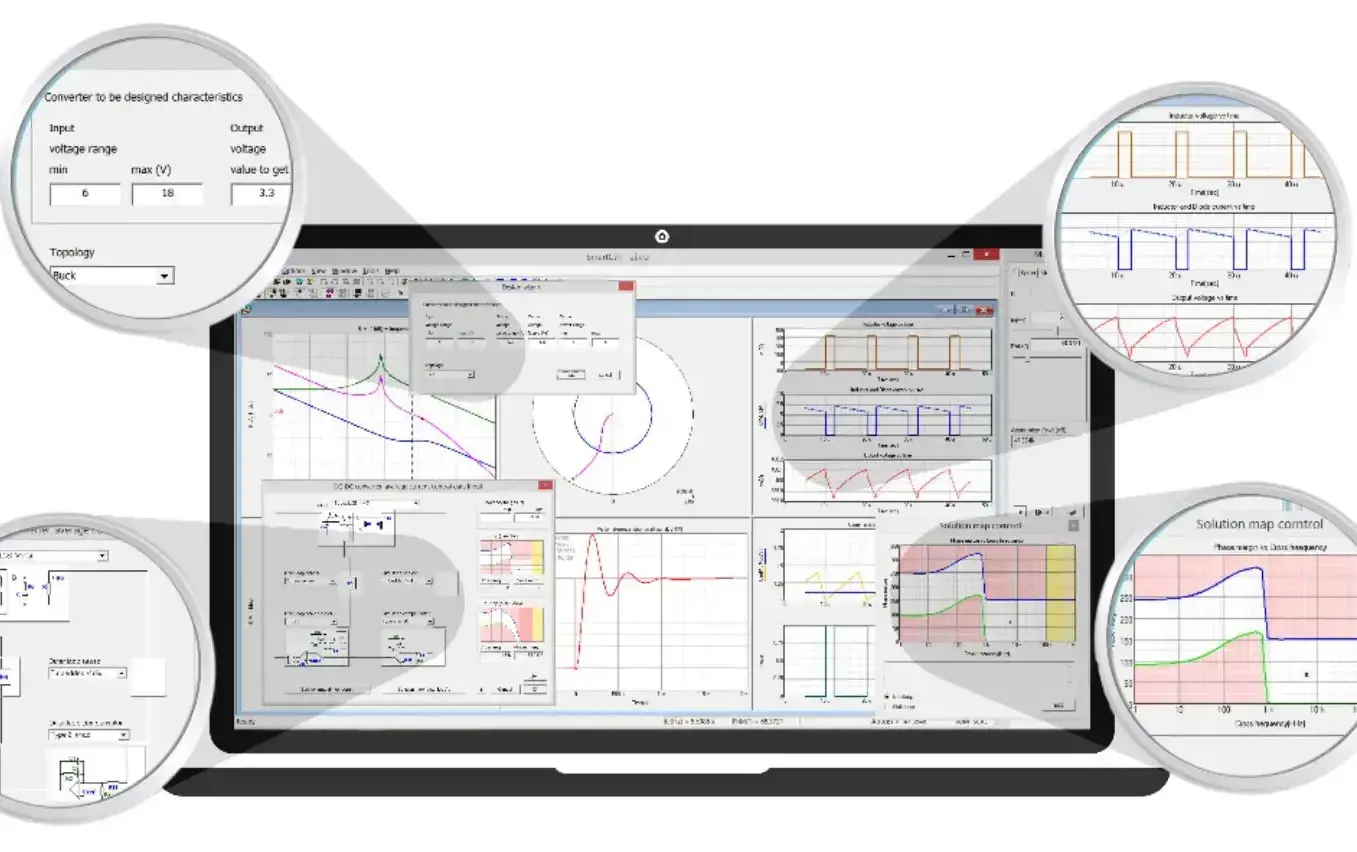
What is SmartCtrl?
A specialized platform for designing, analyzing, and optimizing control loops in power converter systems.
SmartCtrl enables engineers to design and tune control systems using predefined topologies, frequency response data, and custom transfer functions. It helps evaluate stability, bandwidth, and closed-loop performance, supporting both analog and digital control design. With seamless export to tools like PSIM, SmartCtrl integrates controller design with simulation workflows for faster and more reliable validation.
Key Features Of SmartCtrl
Essential tools for control loop design, custom transfer function modeling, and seamless integration with power electronics simulation workflows.
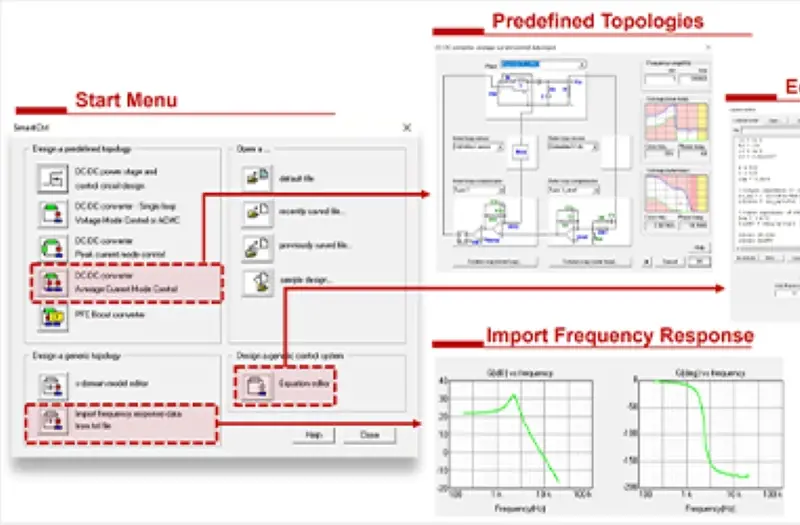
Predefined Converter Control Topologies
SmartCtrl includes predefined topologies for common converter-control workflows, including buck, boost, buck-boost, flyback, forward, phase-shifted full bridge, and dual active bridge, helping users move into controller design faster.
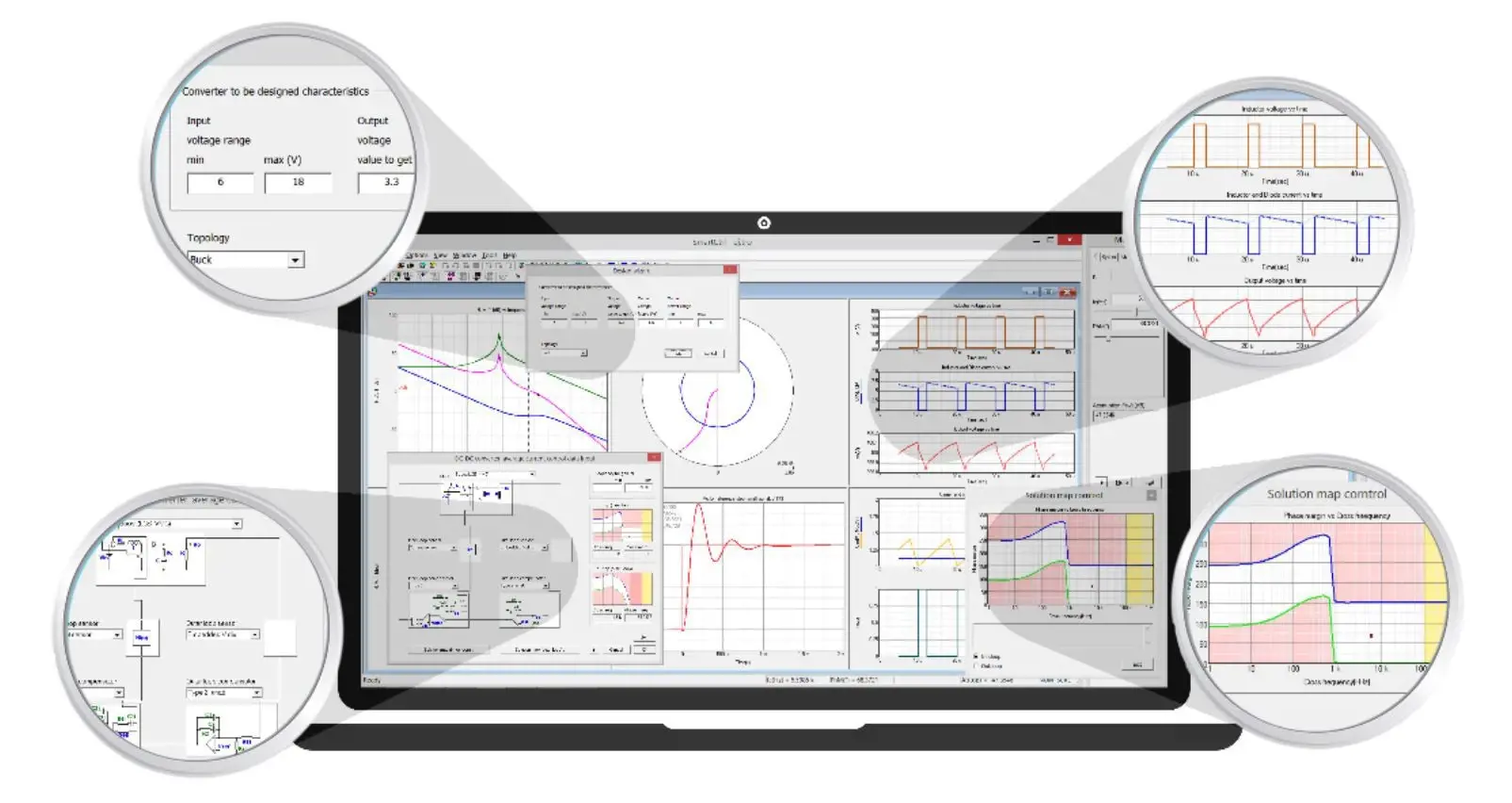
Equation Editor for Custom Transfer Functions
Its Equation Editor lets users define and incorporate custom transfer functions for the plant, sensor, and compensator, including S-domain, Z-domain, or multidomain combinations.
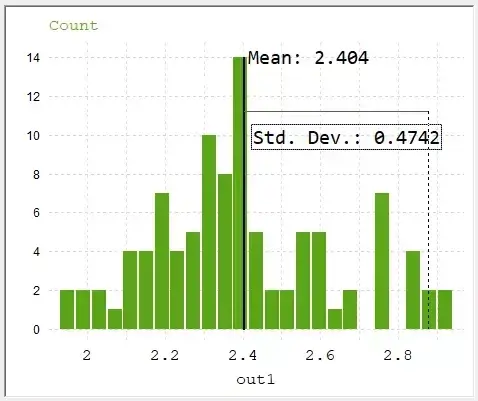
Digital Control with PSIM-Connected Workflow
SmartCtrl supports digital-control design with discrete models and digital effects, and it can export designs and results to PSIM for simulation and validation.
Capabilities Of SmartCtrl
Advanced analysis, modeling, and tuning capabilities for developing stable and high-performance control systems.
Frequency Response Import
SmartCtrl can import the frequency response of a system from a simulator such as PSIM or from a frequency analyzer, giving users a direct path from characterized system behavior into control design.
Stability and Bandwidth Evaluation
The software is built to help users understand and adjust control requirements related to stability and bandwidth, which is central to converter control-loop design.
Analog and Digital Control Design
SmartCtrl supports both analog and digital control workflows. For digital control, it considers digital effects and discrete models and can work in the Z domain.
Inner and Outer Loop Development
For control structures such as PFC boost converters, SmartCtrl supports step-by-step development of inner and outer loops and can automatically provide stable design solutions within the explored setup.
Frequency and Transient Response Results
SmartCtrl provides system-performance results in terms of frequency response and transient response, along with detailed information about the designed compensator or loop structure.
Steady-State Waveforms and Export to Simulation
The software provides steady-state waveform information and allows results such as transfer functions, waveforms, and transient responses to be exported to simulation tools such as PSIM.
Expert SmartCtrl Support By TrueInsight

Implementation guidance, Early workflow setup
Licensing, demos, and product guidance
TrueInsight helps teams evaluate SmartCtrl in the context of real converter-development workflows, especially when SmartCtrl needs to fit alongside PSIM and broader Altair-based electronics workflows.
As an engineering-led Altair channel partner that also supports Siemens solutions, TrueInsight provides licensing guidance, guided demos, onboarding, practical workflow support, and custom training to help teams move from evaluation into repeatable use.
Articles & Resources
Control Design with Altair PSIM + SmartCtrl
In this blog post, we use a buck converter workflow to show how Altair PSIM and APA Product, SmartCtrl give users robust simulation solutions.
Read Article →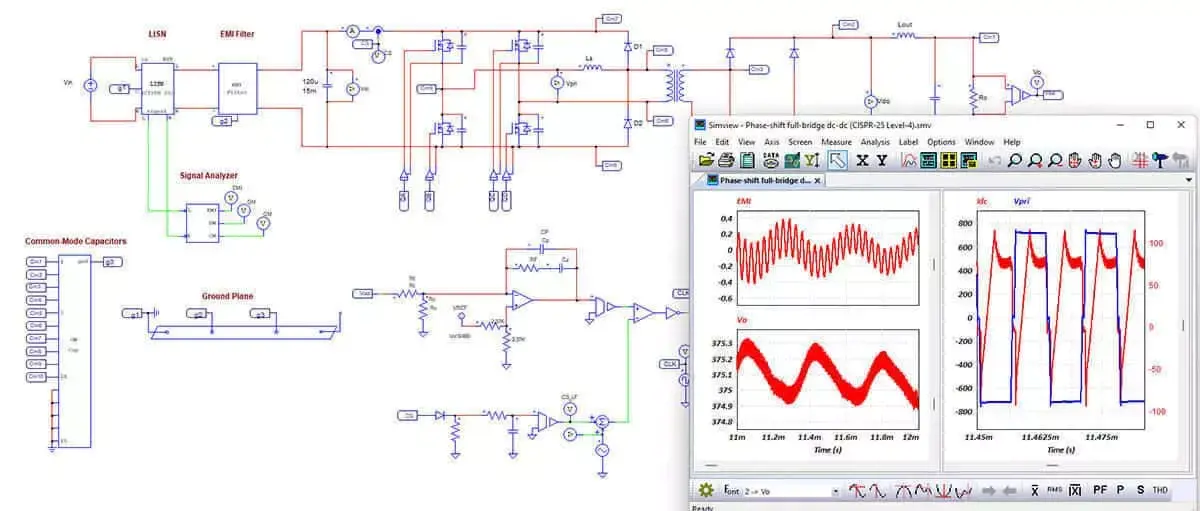
Electronics Simulation
Validate power electronics, PCB integrity, and embedded control systems before hardware testing slows development.
Learn More →Validate Control Designs in PSIM
Take control loops into switching simulation to evaluate dynamic response, system behavior, and performance under real operating conditions.
Validate With PSIM →
Altair Software Portfolio
Access simulation and system modeling technologies that extend control design into full product development workflows.
Explore Altair →
System Simulation & Engineering
Link converter control strategies with system-level simulation to analyze interactions across electronics and full system performance.
Explore capability →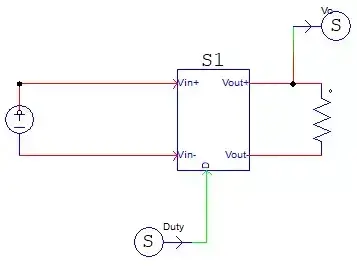
System Characterization in Altair PSIM
Learn how frequency response data from PSIM can be used to build accurate control models and improve loop tuning.
Read Article →Frequently Asked Questions
SmartCtrl is used to design and optimize the control stage of power converters. It helps with controller design, loop analysis, stability evaluation, and control tuning.
No. SmartCtrl supports both analog and digital control design. It also considers digital effects and discrete models and can work in the Z domain.
Yes. SmartCtrl integrates with PSIM so designs and results can be exported for simulation and validation. Frequency response can also be imported from PSIM into SmartCtrl.
Yes. It can import system frequency response from a simulator such as PSIM or from a frequency analyzer, which can then be used in the control-design workflow.
Yes. The Equation Editor lets you define plant, sensor, and compensator transfer functions, including S-domain, Z-domain, and multidomain combinations.
Official Altair product information highlights predefined support for buck, boost, buck-boost, flyback, forward, phase-shifted full bridge, and dual active bridge converter workflows.
Ready To Take The Next Step With SmartCtrl?
Talk to our experts, explore pricing options, and start designing high-performance control systems with confidence.