
TrueInsight
Siemens/Altair Channel Partner
Menu



Altair Inspire Studio | 3D Design and Rendering Software
Altair Inspire Studio is a 3D design and visualization environment for industrial designers, architects, and digital artists who need flexible modeling, photorealistic rendering, animation, and detailed drawings in one workflow.
What is Inspire Studio?
Altair Inspire Studio is an all-in-one industrial design solution used to create, evaluate, and visualize designs. It brings together sketching, construction history, surface and curve modeling, PolyNURBS-based freeform modeling, rendering, animation, and manufacturing drawings inside one environment. The software runs on Mac OS X and Windows and is built to support the path from early styling exploration to robust digital models for downstream product development.
Key Features Of Inspire Studio
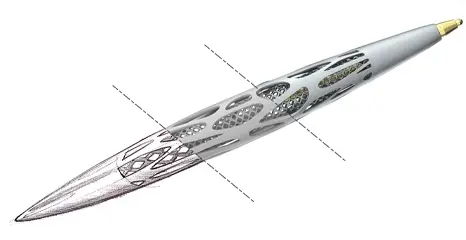
Hybrid Modeling with Construction History
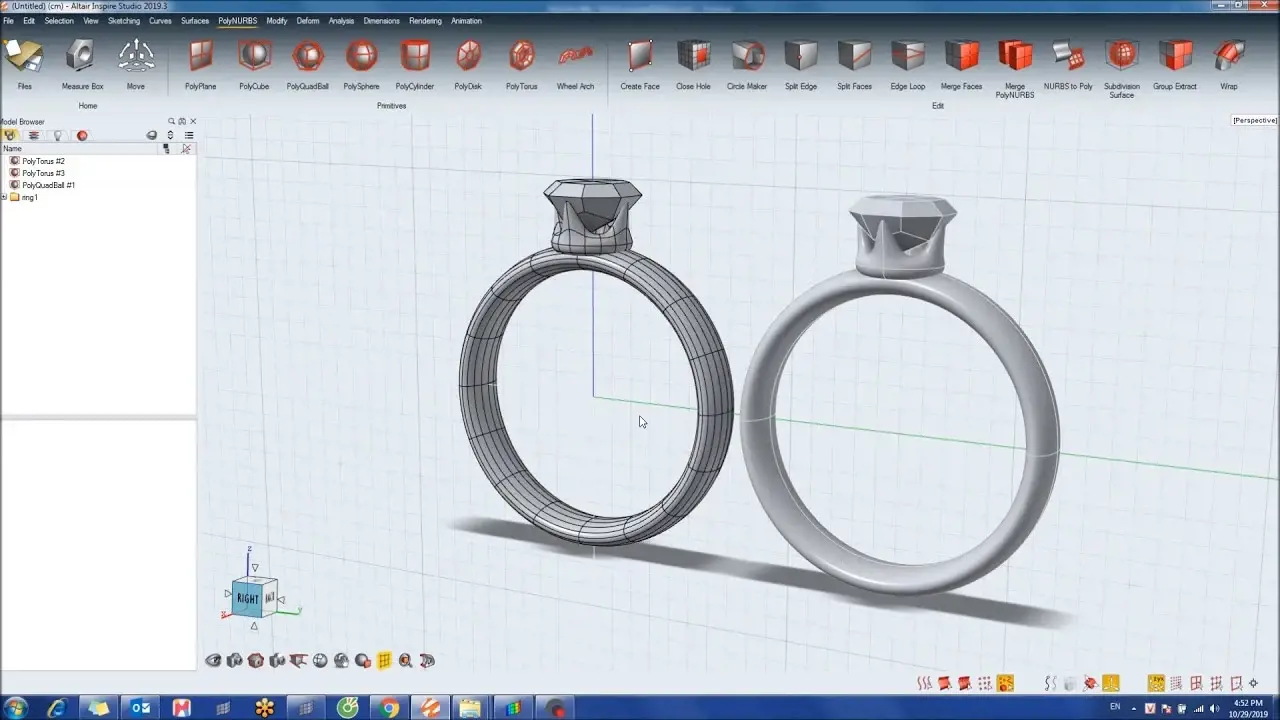
Inspire Studio combines sketching, freeform polygonal workflows, PolyNURBS, and surface or solid modeling while preserving construction history, making it easier to revisit earlier decisions and refine designs without starting over.
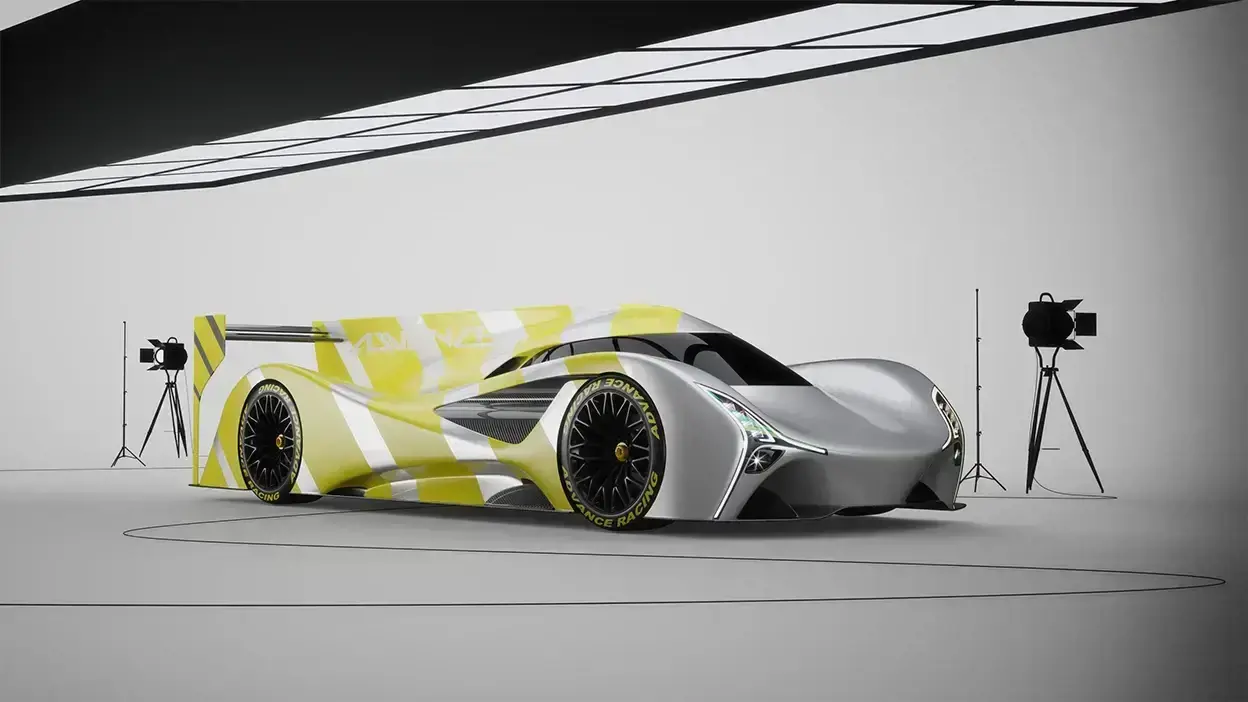
Physically Based Rendering and Animation
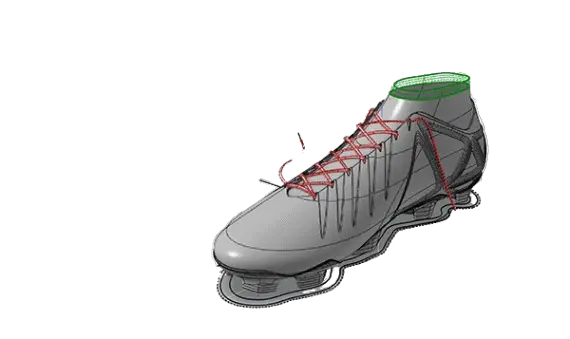
The software includes a built-in rendering engine for high-quality images and complex animations, using physically accurate lighting and multiple rendering modes for concept presentation and visualization.
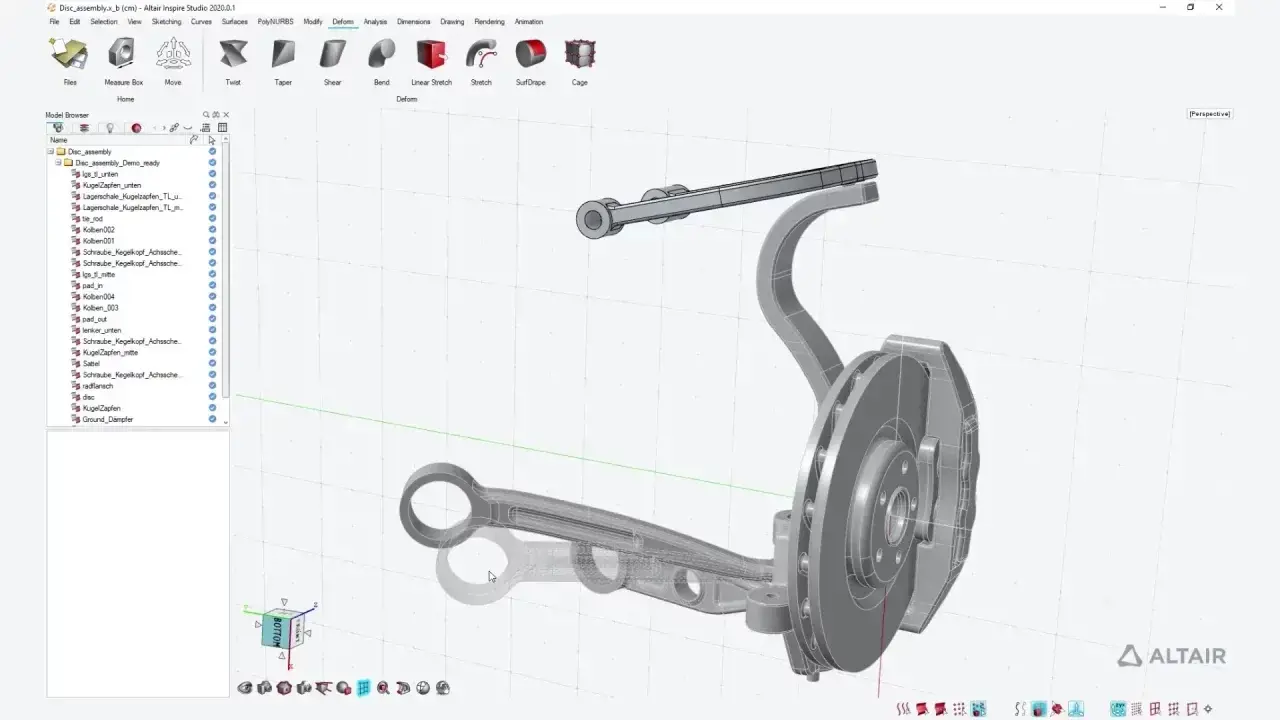
Manufacturing Drawings from 3D Models
Inspire Studio can generate detailed 2D drawings from complex 3D models and assemblies, including one-click view creation, section views, detail views, dimensions, and annotations.
Capabilities Of Inspire Studio
Constraint-Based Sketching
Users can create and edit 2D sketch curves such as lines, rectangles, circles, and arcs, and apply geometric relationships for controlled technical sketching.
Curves, Surfaces, and Solid Geometry
Inspire Studio supports 3D curves plus surface and solid creation and editing, including operations such as extending, rebuilding, intersecting, splitting, and projecting geometry.
PolyNURBS for Freeform Styling
PolyNURBS lets users create polygonal surfaces that can be converted into NURBS, combining fast freeform shape development with smooth, continuous geometry.
Design Tables and Variable Control
Design tables support rapid design iteration by letting users explore alternatives and adjust parameter thresholds without digging through construction history. The help guide also references access to the Variable Manager from analysis tools.
Geometry Morphing and Direct Editing
Geometry can be modified globally or locally with deform tools, and the help guide also notes direct editing for objects that are not part of construction history.
Rendering Scene Setup
Rendering tools let users adjust materials, environments, and object properties to produce photorealistic images for concept reviews and presentation output.
Animation Controls
Inspire Studio supports animation for objects, groups, and the camera, with both key frame animation and path animation available.
Dimensions and Drawing Documentation
The software supports dimensional control during modeling and detailed drawing output from 3D geometry, including multiple perspectives, sections, details, and annotations.
Expert Inspire Studio Support By True Insight
Rapid Implementation, Professional Guidance
Licensing, demos, and product guidance
TrueInsight helps teams evaluate Inspire Studio, align it to the right design workflow, and move from trial to productive use with expert guidance. That includes help with licensing, onboarding, workflow setup, training, and practical support around modeling, rendering, drawing creation, and adoption within a broader product development process.
Articles & Resources
Altair Inspire
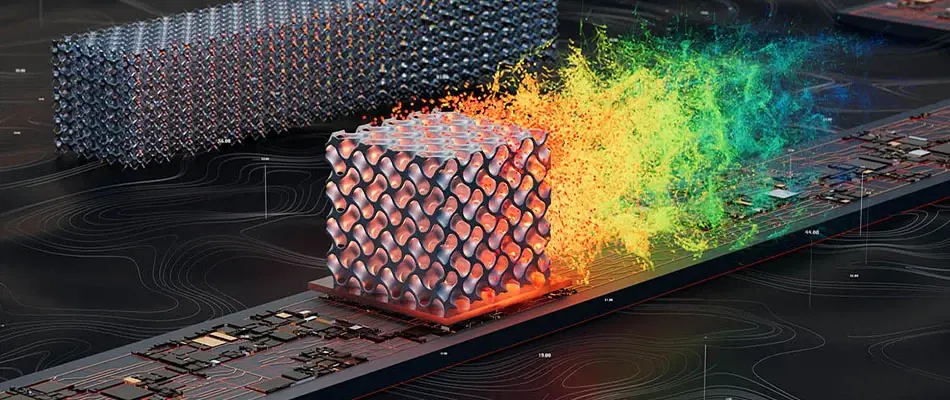
Altair Inspire is a simulation-driven design environment that helps teams create geometry, explore performance, and validate manufacturability early.
Explore capability →
Industrial CAD Design Software
Design, model and prepare real-world manufacturable products using Siemens NX, Solid Edge and Altair Inspire Studio. From concept sketch to production-ready geometry.
Explore capability →.webp)
Ways to Create/Modify Geometry using Altair Inspire
Over the last five years, Altair has added features for creating and modifying geometry within Inspire. Check out this post to see some of the ways how.
Explore capability →Frequently Asked Questions
Inspire Studio is used for industrial design and concept visualization, including sketching, freeform and precision modeling, photorealistic rendering, animation, and manufacturing drawings.
Yes. It includes a physically based rendering engine with physically accurate lighting and supports high-quality rendered images as well as animation output.
Yes. It can generate detailed 2D drawings from complex 3D models and assemblies, including section views, detail views, dimensions, and annotations.
It supports constraint-based sketching, curves, surfaces, solids, NURBS, PolyNURBS, and construction-history-based editing for iterative design work.
Yes. Users can animate objects, groups, and the camera using key frame animation or path animation.
Its main focus is industrial design and visualization. The documentation includes some analysis-related utilities and simulation-data import references, but the product is positioned primarily around modeling, rendering, animation, and drawings.
Altair Inspire is the broader simulation-driven design tool for geometry modeling, generative design, and manufacturing simulation. Inspire Studio is focused on industrial design, freeform modeling, rendering, animation, and drawing creation. Use Inspire when you need engineering evaluation early in design, and Inspire Studio when you need form development and visual presentation.
Ready To Take The Next Step With Inspire Studio?
Expert support on your implementation with design tools.