
TrueInsight
Siemens/Altair Channel Partner
Menu


Altair HyperWorks CAE Simulation Platform
Engineering simulation and design optimization environment used to analyze structural behavior, multiphysics performance and lightweight product development before manufacturing.
What is Altair Hyperworks?
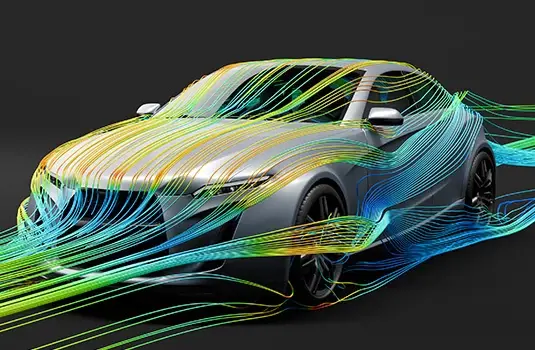
Altair HyperWorks is a computer-aided engineering (CAE) platform used to design and optimize products using simulation before manufacturing.
Engineers build simulation models, evaluate structural performance and improve efficiency early in development instead of relying only on physical testing.HyperWorks supports simulation-driven design — helping teams reduce weight, improve strength and accelerate product development.
Why Engineers Use Altair HyperWorks
HyperWorks focuses on simulation-driven design and optimization workflows, allowing engineering teams to improve performance, reduce weight and evaluate designs early in development.
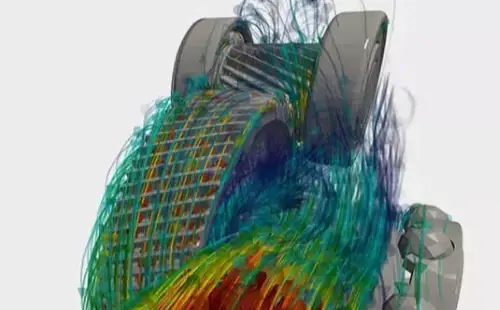
Multiphysics Simulation
Analyze structural, fluid and electromagnetic behavior within a single simulation model. HyperWorks enables engineers to understand how different physical effects interact, improving prediction accuracy during product design.
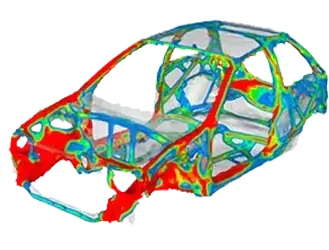
Design Optimization & Lightweighting
Use topology and parametric optimization to reduce material usage while maintaining structural performance. Engineers evaluate multiple design alternatives digitally to improve strength-to-weight ratio before manufacturing.
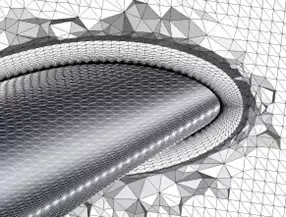
Model Preparation & Efficient Workflow
Advanced preprocessing and meshing tools allow engineers to build simulation-ready models quickly and consistently. This reduces setup time and helps teams focus on analysis instead of model preparation.
Key Capabilities of Altair HyperWorks
Altair HyperWorks provides specialized CAE tools covering model preparation, structural simulation, optimization and industry-specific engineering workflows.
CAE Model Preparation
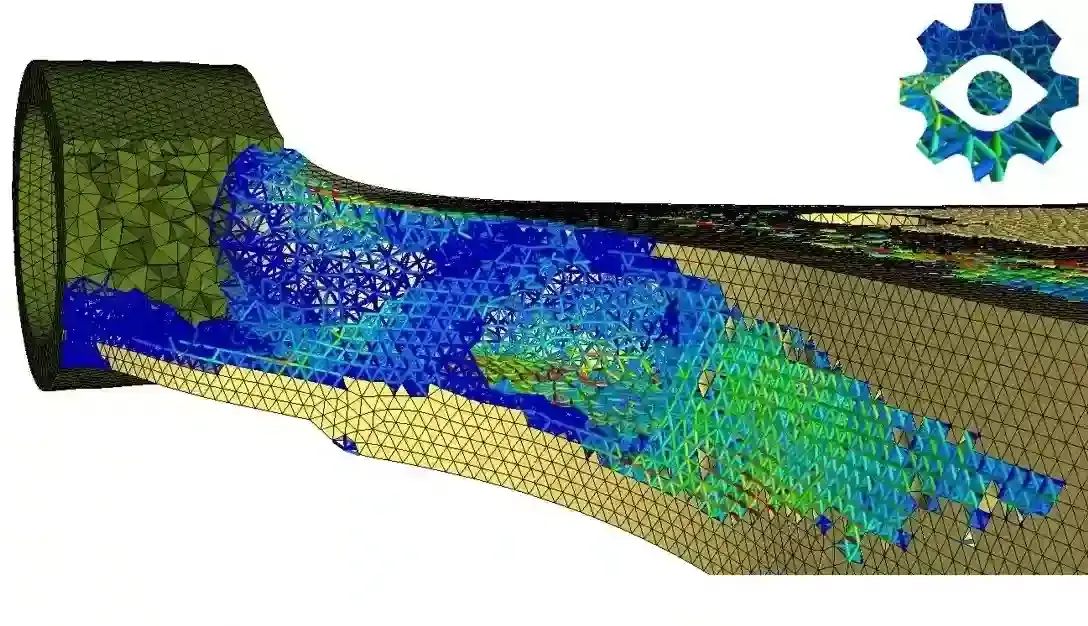
Build simulation-ready models using advanced preprocessing and meshing tools. HyperMesh enables engineers to clean geometry, generate high-quality finite element meshes and prepare large assemblies for accurate structural analysis.
Structural Simulation & Analysis
Evaluate stress, deformation and durability under real operating loads. HyperWorks allows engineers to perform finite element analysis to validate mechanical components and understand failure behavior before testing.
Multiphysics Simulation
Simulate the interaction between structural mechanics, fluid flow and electromagnetic behavior. Engineers analyze complex real-world conditions where multiple physical effects influence product performance.
Design Optimization & Lightweighting
Automatically improve product performance using topology and parametric optimization. Teams reduce material usage while maintaining strength, improving efficiency and lowering manufacturing cost.
Industry-Specific Engineering Workflows
Apply simulation workflows tailored to industries such as automotive, aerospace and manufacturing. Predefined methods and templates help standardize analysis processes and accelerate engineering development.
Model-Based Development & Digital Engineering
Use simulation throughout the entire product lifecycle, from concept design to validation. Engineers evaluate design changes early and continuously, reducing redesign cycles and improving development predictability.
Expert Support Beyond the Software
Implementation, Training & Engineering Support
Engineering simulation requires proper model setup, meshing strategy and interpretation of results to produce reliable analysis.
TrueInsight helps teams successfully implement HyperWorks, build accurate CAE models and integrate simulation into existing engineering workflows. Our specialists provide installation guidance, workflow configuration and hands-on training — from first finite element models to advanced optimization studies.
The objective is not only running simulations, but enabling engineers to confidently use simulation for real design decisions.
Articles & Resources
.webp)
Composites Spotlight
Dive into our blog and explore the cutting-edge capabilities that make Altair HyperWorks the go-to solution for composite design and analysis.
Read Article →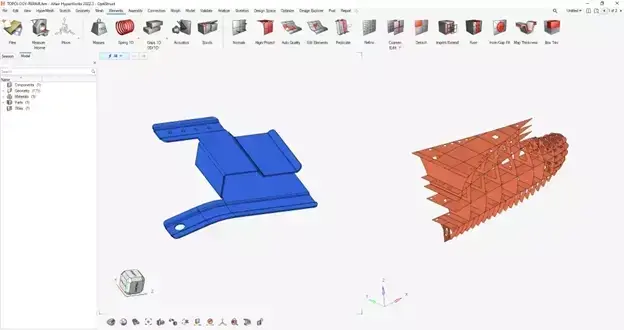
Creating Multiple HyperMesh Windows in HyperWorks
Discover the ultimate productivity hack for HyperWorks users! We delve into the technique of creating multiple HyperMesh windows within HyperWorks.
Read Article →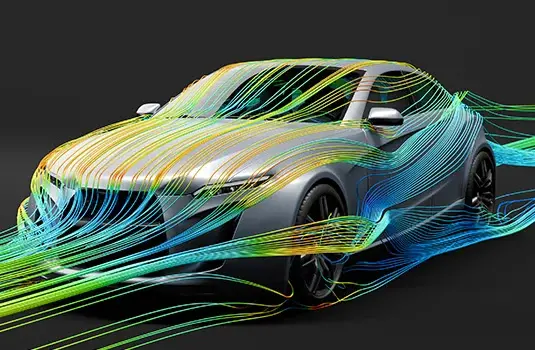
Commonly Asked Altair HyperWorks Questions
HyperWorks is one of the most popular CAE platforms out there. Check out this blog post to answer some of the more common questions around the tool.
Read Article →
Altair Solutions
See Altair's broad software portfolio for multiple simulation solutions.
Learn About Altair →Frequently Asked Questions about Altair HyperWorks
Altair HyperWorks is used to simulate and optimize product designs before manufacturing. Engineers analyze structural behavior, durability and performance using finite element analysis and design optimization instead of relying only on physical prototypes.
No. HyperWorks is not a CAD modeling tool. It is a computer-aided engineering (CAE) platform used to analyze and improve designs created in CAD systems. Engineers import CAD geometry and evaluate how the product behaves under real operating conditions.
HyperMesh is the preprocessing and meshing environment within HyperWorks. It prepares CAD models for simulation by cleaning geometry and generating high-quality finite element meshes, which are essential for accurate simulation results.
Not completely. Physical testing is still used for final validation, but HyperWorks allows most design iterations to be evaluated digitally first. This reduces prototype costs, shortens development cycles and helps detect problems earlier.
HyperWorks is widely used in automotive, aerospace, heavy machinery, consumer products and manufacturing industries. Any product that experiences forces, vibration, heat or motion benefits from simulation-driven design.
No. With proper training and workflow setup, engineering teams can begin running useful simulations quickly. Implementation support and onboarding help engineers learn modeling practices and interpret simulation results correctly.