
TrueInsight
Siemens/Altair Channel Partner
Menu



Electromagnetic Simulation with Altair Flux
Design motors, sensors, and power systems with advanced multiphysics analysis
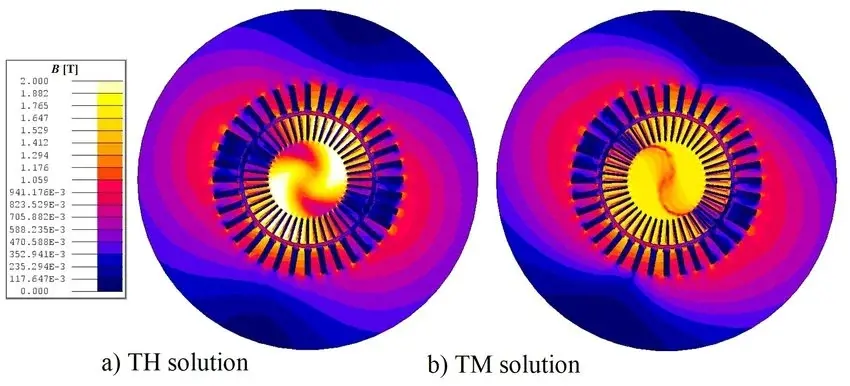
About Altair Flux
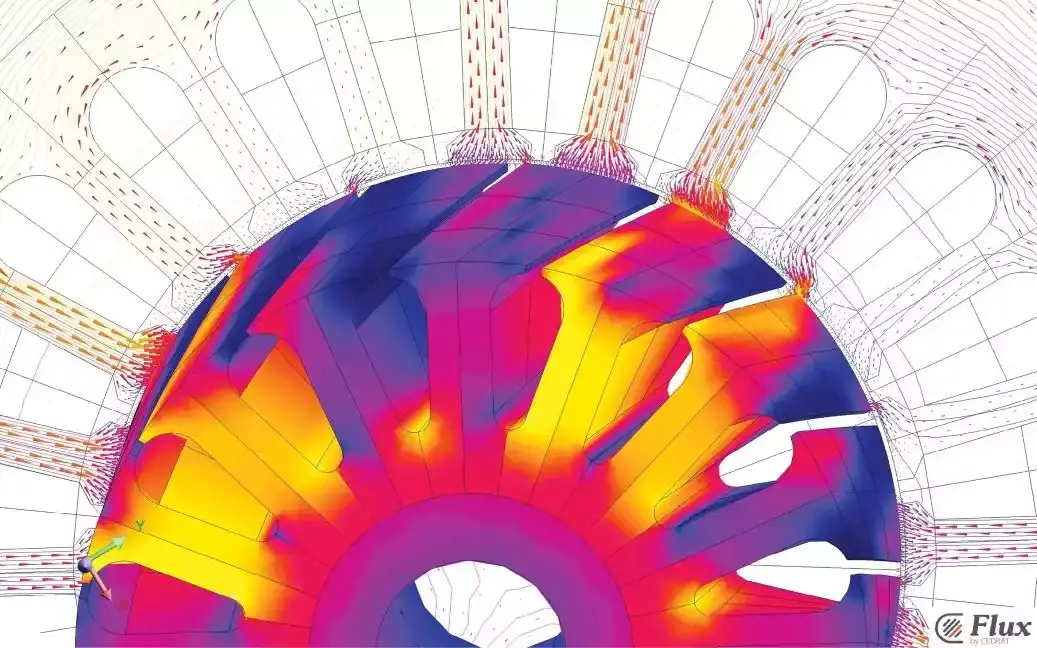
What is Altair Flux?
Low-frequency electromagnetic and thermal simulation for advanced engineering design
Altair Flux is a multiphysics simulation software designed for low-frequency electromagnetic applications. It enables engineers to model, analyze, and optimize motors, actuators, sensors, and power electronic systems with high accuracy. By combining electromagnetic and thermal simulation capabilities, Flux helps predict real-world performance, improve energy efficiency, and accelerate product development across industries such as automotive, energy, and industrial equipment.
Key Features Of Flux
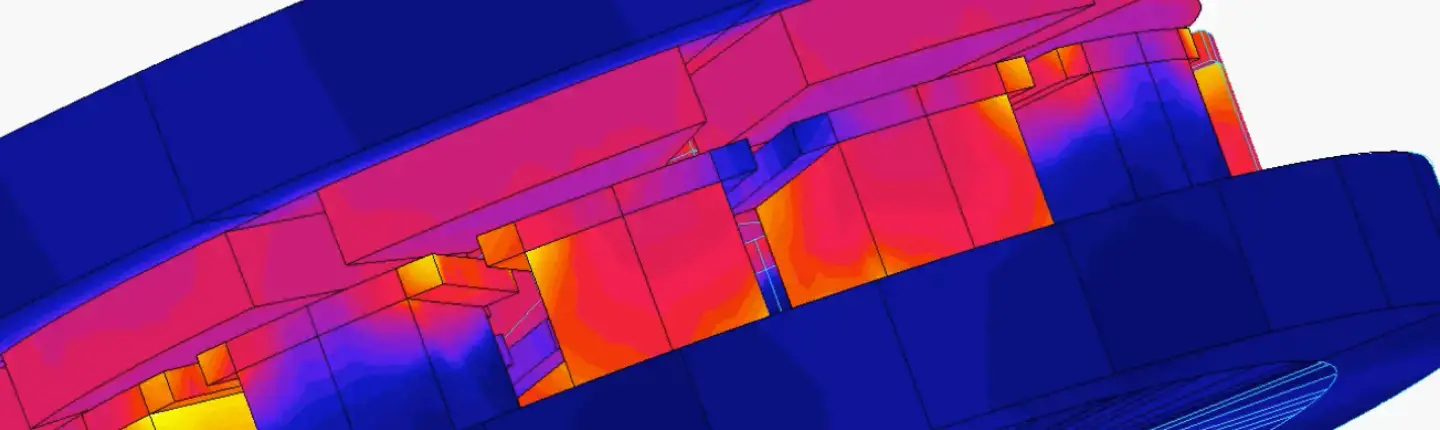
Low-Frequency Electromagnetic and Thermal Physics
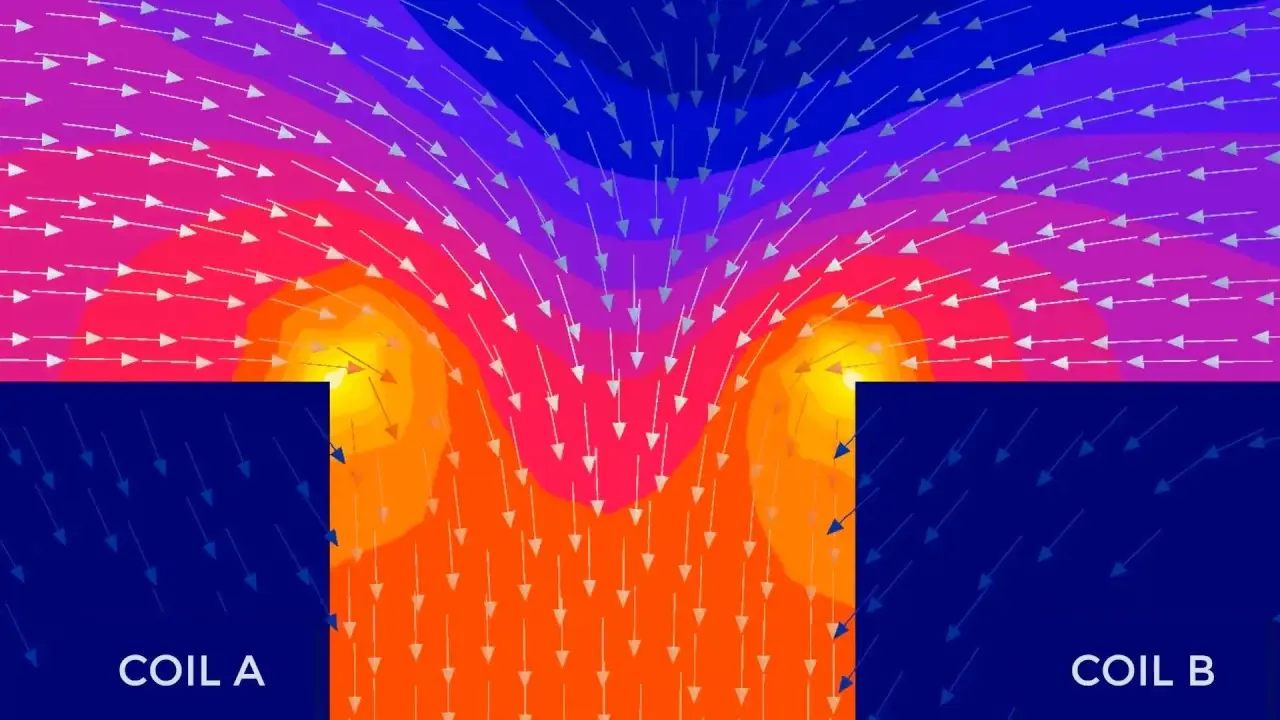
Flux combines magnetic, electrical, and thermal modeling in one environment so engineers can evaluate device behavior under magnetostatic, steady-state AC, and transient operating conditions.
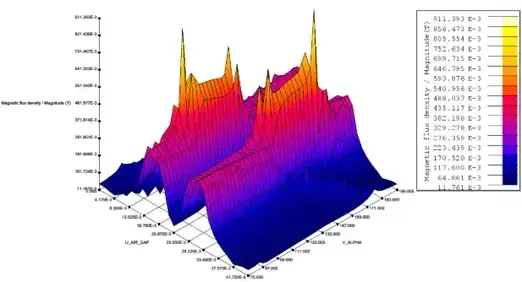
Flexible Modeling and Automation
Flux provides an open environment with scripting, macros, multiparametric studies, and model setup tools that help engineering teams automate repetitive analysis work and refine simulation workflows efficiently.
Multiphysics Design Integration
Flux connects into broader Altair multiphysics workflows so electromagnetic behavior can be evaluated alongside thermal, structural, vibro-acoustic, and system-level interactions when the problem requires more than a single physics view.
Capabilities
Geometry Import, Defeaturing, and Meshing
Flux supports a structured build process from geometry through mesh, physics, solving, and postprocessing, with CAD and mesh import options plus defeaturing and auto-adaptive meshing support for faster model preparation.
2D and Flux Skew Machine Modeling
Flux supports 2D workflows, and Flux Skew extends rotating machine analysis by handling continuous and step skewing effects through a 2D-based description tailored to skewed machine behavior.
Circuit Coupling and Rigid Body Motion
Flux includes circuit and kinematic coupling capabilities so engineers can represent sources, electric circuits, and device movement within the simulation model for more realistic electromechanical behavior.
Advanced Material and Loss Modeling
Flux supports advanced modeling techniques such as non-linear anisotropic materials, hysteresis behavior, and skin and proximity losses in windings, helping users capture effects that strongly influence device performance and losses.
Material Identification with Altair Compose
Flux includes a Material Identification workflow based on Altair Compose that helps determine parameters and coefficients from measurements for supported magnetic material and iron-loss models.
Material Datacenter and Custom Material Management
Flux can work with the Altair Material Datacenter for ready-to-use compatible material models, while also allowing users to build and manage their own material databases inside the software.
e-Machine Toolbox and Efficiency Maps
Flux e-Machine Toolbox supports electric machine characterization in the torque-speed area and enables postprocessing of results such as efficiency maps for machine evaluation workflows.
Scripting, API Access, and Multiparametric Studies
Flux supports Jython-based scripting, API access, macros, and multiparametric studies, giving teams practical ways to automate setup, extend workflows, and run repeatable analysis processes.
Solver Parallelization and Distributed Runs
Flux provides solver parallelization and parametric distribution guidance for both single-machine and cluster use, which is useful when teams need to scale heavier studies or broader design exploration.
Postprocessing, Reporting, and Export
Flux includes postprocessing and export capabilities for quantities such as potential, flux density, temperature, electric and magnetic fields, and mechanical results, making it easier to review outcomes and share analysis data.
Support

Expert Altair Flux Support by TrueInsight
Faster onboarding, optimized workflows, and reliable engineering results
TrueInsight helps engineering teams successfully implement Altair Flux by aligning licensing, workflows, and simulation strategies to real project needs. As an official Altair Channel Partner, we provide guided demos, onboarding support, and hands-on assistance across motor design, electromagnetic analysis, and multiphysics workflows. Our experts work closely with your team to accelerate adoption, improve simulation accuracy, and ensure you get the most value from your Flux environment.
Articles & Resources

Electromagnetic Simulation for Modern Engineering
Broader electromagnetic engineering workflows that extend beyond a single low-frequency application.
Learn More →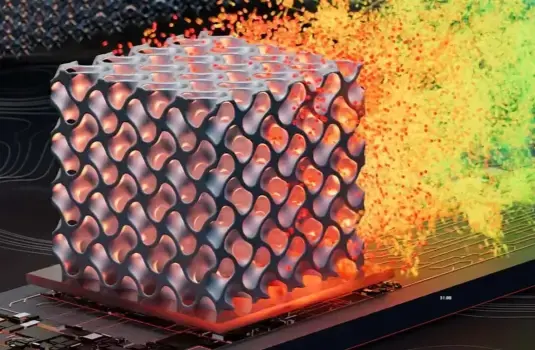
Altair HyperWorks
Connects Flux to wider multiphysics, optimization, and simulation-driven design workflows across Altair.
Learn About HyperWorks →
Altair Feko
Covers high-frequency electromagnetic analysis when the project goes beyond Flux’s low-frequency focus.
Learn About Feko →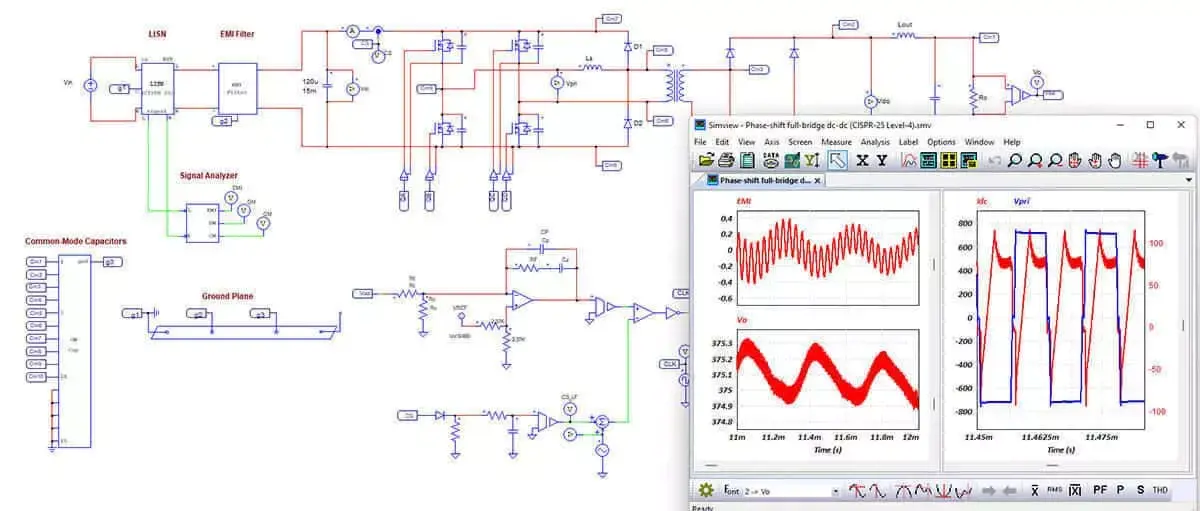
Altair PSIM
Relevant for projects where electromagnetic behavior also needs to connect with power electronics and drive-system modeling.
Learn About PSIM →.gif)
Migrating from Altair FluxMotor to Flux
Practical resource for rotating-machine users who need to understand how Flux extends beyond template-based motor workflows.
Read Article →Frequently Asked Questions
Altair Flux is used for low-frequency electromagnetic and thermal simulation of devices such as motors, sensors, actuators, rotating machines, powergrid equipment, wireless charging systems, and heat treatment processes.
No. Flux is positioned for low-frequency electromagnetic and thermal simulation. For high-frequency electromagnetics workflows such as antennas and scattering analysis, Altair Feko is the more appropriate product line.
Yes. Flux includes magnetic, electrical, and thermal modeling, and it also supports dedicated couplings and broader multiphysics workflows when thermal interaction needs to be studied alongside electromagnetic behavior.
Yes. Flux supports rotating machine studies directly, includes Flux Skew for skewed machine behavior, and offers Flux e-Machine Toolbox for machine characterization and efficiency map postprocessing.
Yes. Flux includes Material Identification based on Altair Compose and also supports both AMDC-based material access and user-managed custom material databases.
For current 2026 documentation, new 3D and PEEC projects are directed to SimLab. The Flux help states that Flux 3D and Flux PEEC are no longer available as standalone options, while existing Flux 3D projects can be imported into SimLab.
Get Started with Altair Flux Today
Request a demo, explore pricing, and accelerate your electromagnetic simulation workflows with expert guidance