

Altair Inspire Print3D | Additive Manufacturing Simulation
Design, prepare, and evaluate parts for additive manufacturing before production. Altair Inspire Print3D helps engineering teams improve manufacturability, optimize part orientation and supports, study print-process behavior, and reduce trial-and-error across powder bed fusion and metal binder jetting workflows.
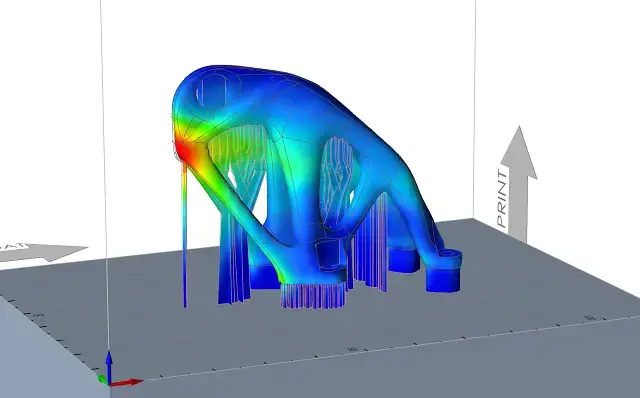
What is Altair Inspire Print3D?
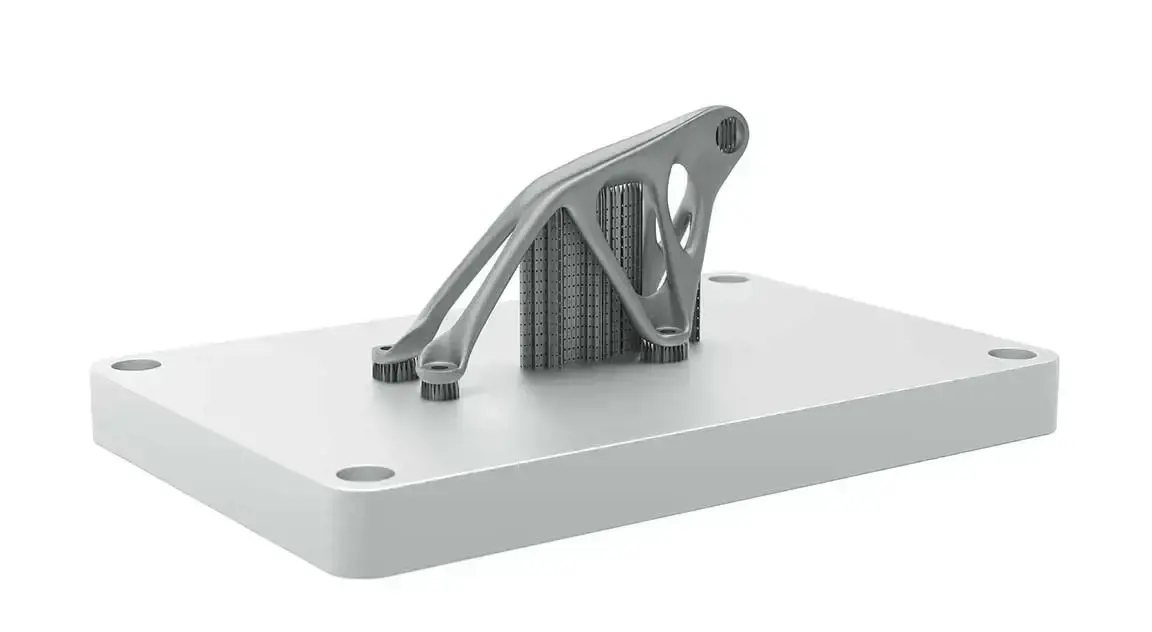
Altair Inspire Print3D is additive manufacturing design and simulation software for engineers who need to prepare, assess, and refine parts before production. It helps teams evaluate manufacturability, study print behavior, reduce support requirements, and move toward print-ready geometry with workflows built for powder bed fusion and metal binder jetting.
Key Features of Altair Inspire Print3D
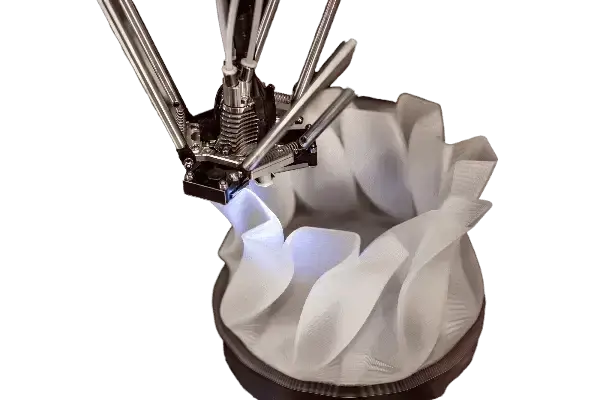
Design for Additive Manufacturing with Fewer Iterations
Inspire Print3D helps engineering teams design parts that are better suited for additive manufacturing earlier in the workflow. Instead of relying on repeated trial-and-error builds, teams can assess manufacturability sooner, reduce unnecessary material use, and make better design decisions before committing to printing and post-processing.
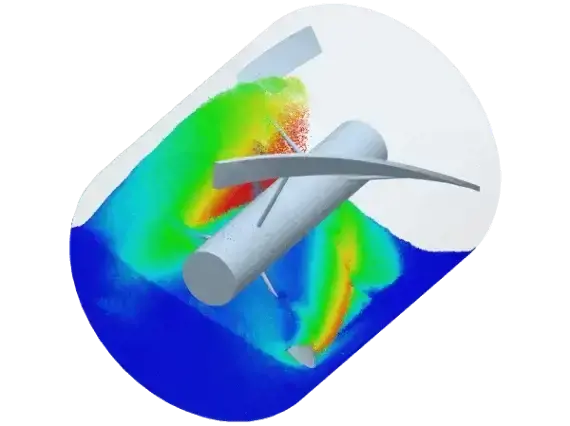
Print Process Insight Before Production
A major strength of Inspire Print3D is the ability to study how the print process may affect part quality before sending a job downstream. Engineers can investigate deformation, overheating, delamination, shrinkage, and related print risks early enough to adjust geometry, supports, orientation, or process setup.
Faster Orientation, Support, and Export Workflows
Inspire Print3D gives users a practical workflow to prepare parts for additive manufacturing, including printer-bed setup, part orientation, support generation, slicing, and export. That makes it easier to move from design review to production preparation without splitting the workflow across disconnected tools too early.
Inspire Print3D Capabilities
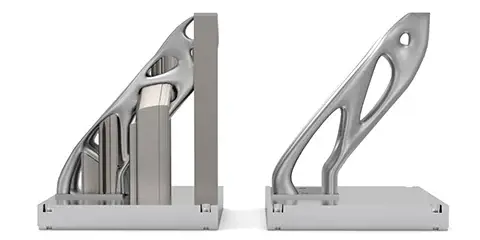
Powder Bed Fusion Process Simulation
For powder bed fusion workflows, Inspire Print3D supports process simulation aimed at understanding deformation and residual stress behavior. Its calibration-based inherent strain approach is built to provide faster insight into print distortion, while also helping users evaluate issues such as recoater collisions, local failure risk, and layer-related surface effects.
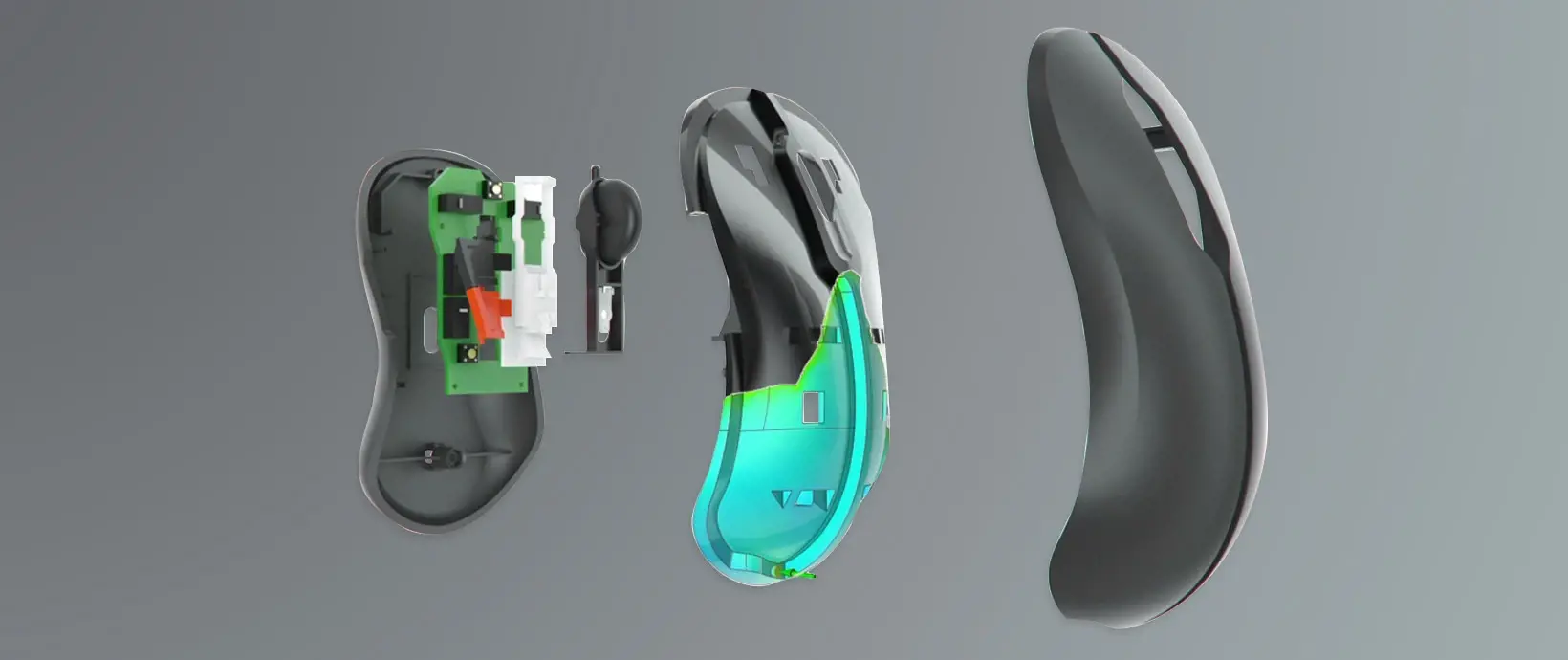
Metal Binder Jetting Shrinkage and Compensation
Inspire Print3D also supports metal binder jetting workflows, where engineers can define the print part, oven setup, orientation, and setters, then run shrinkage and compensation analyses. This helps teams study sintering effects, compare the final shape against the original CAD model, and make more informed decisions before production.
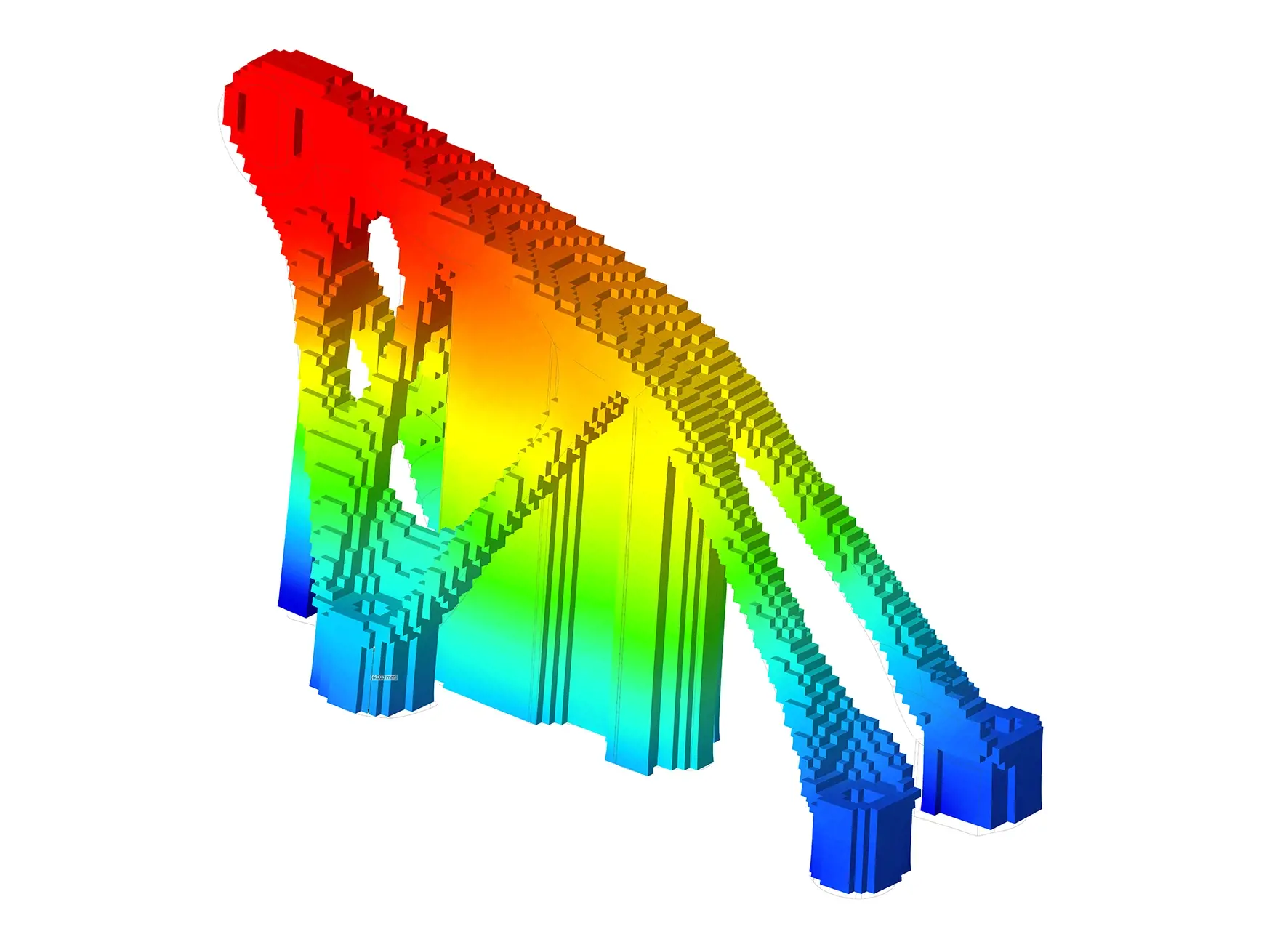
Defect Detection Before Printing
The software helps teams identify print-related risks before the build starts. Engineers can visualize problems such as large deformation, excessive heating, delamination, part lifting, and crack-prone behavior, allowing design or process changes to be made earlier and with less cost.
Part Orientation and Support Optimization
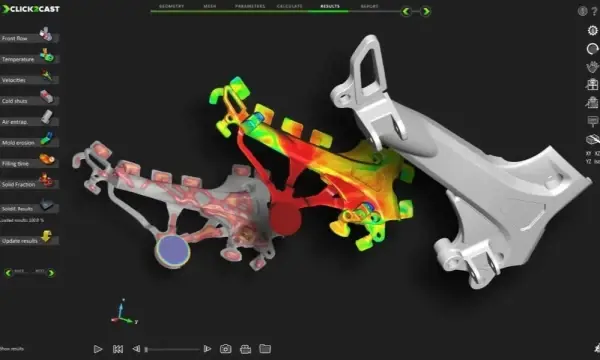
Orientation and support decisions have a major effect on additive manufacturing success, and Inspire Print3D addresses both directly. Users can place a part on the printer bed, evaluate orientations that reduce undercuts and supports, and interactively generate or edit support structures within the same design environment.
Compensation and Print-Ready Preparation
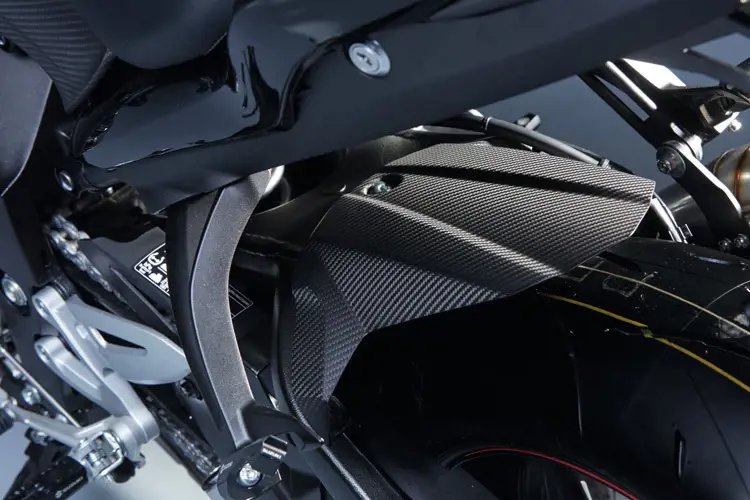
Inspire Print3D is built around a preparation workflow that goes beyond simulation alone. Teams can prepare, orient, slice, export, and analyze parts for 3D printing, and for supported workflows can export compensated geometry and support-related data for downstream printer preparation.
Practical Workflow Inside the Inspire Environment
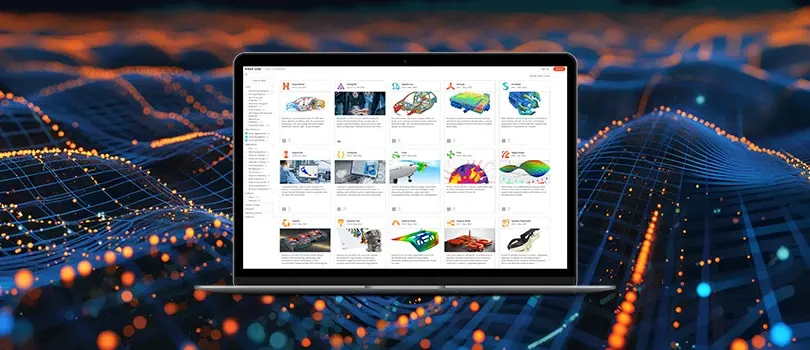
Because Inspire Print3D sits within the Inspire environment, teams can work through additive manufacturing preparation and assessment in a more connected workflow. That is valuable for organizations that want design exploration, manufacturability review, and print process assessment to happen with less friction between stages.
Expert Inspire Print3D Support and Services from TrueInsight

With TrueInsight, Your Inspire Print3D Implementation is Easier
TrueInsight helps teams evaluate, adopt, and use Altair Inspire Print3D with practical guidance tied to real engineering workflows. From licensing and demos to onboarding, training, and day-to-day support, the goal is to help your team move faster with additive manufacturing simulation and make better use of the software in production-focused environments.
Frequently Asked Questions
Inspire Print3D is used to prepare, assess, and refine parts for additive manufacturing before production. It supports design for additive manufacturing workflows, print-process simulation, orientation and support decisions, and export-ready preparation for 3D printing.
Yes. The official product scope includes workflows for powder bed fusion and metal binder jetting, with dedicated process-related capabilities for each.
Yes. Inspire Print3D includes part-orientation and support-related workflows intended to help reduce support demand, improve manufacturability, and lower downstream post-processing effort.
It is built to help users visualize and assess issues such as deformation, overheating, delamination, shrinkage-related effects, and other print risks so changes can be made before production.
Yes. The workflow includes preparation, slicing, export, and analysis steps, and the official product page also references export of part and support geometry to major 3D-printer preparation software.
TrueInsight can support evaluation, licensing, demos, onboarding, training, and practical implementation guidance so your team can adopt Inspire Print3D with less friction and stronger workflow alignment.
Ready to Take the Next Step with Altair Inspire Print3D
We help engineering teams evaluate fit, understand the workflow, and move forward with the right licensing and support model.